FVASEE screen-sharing device_Software screen projection
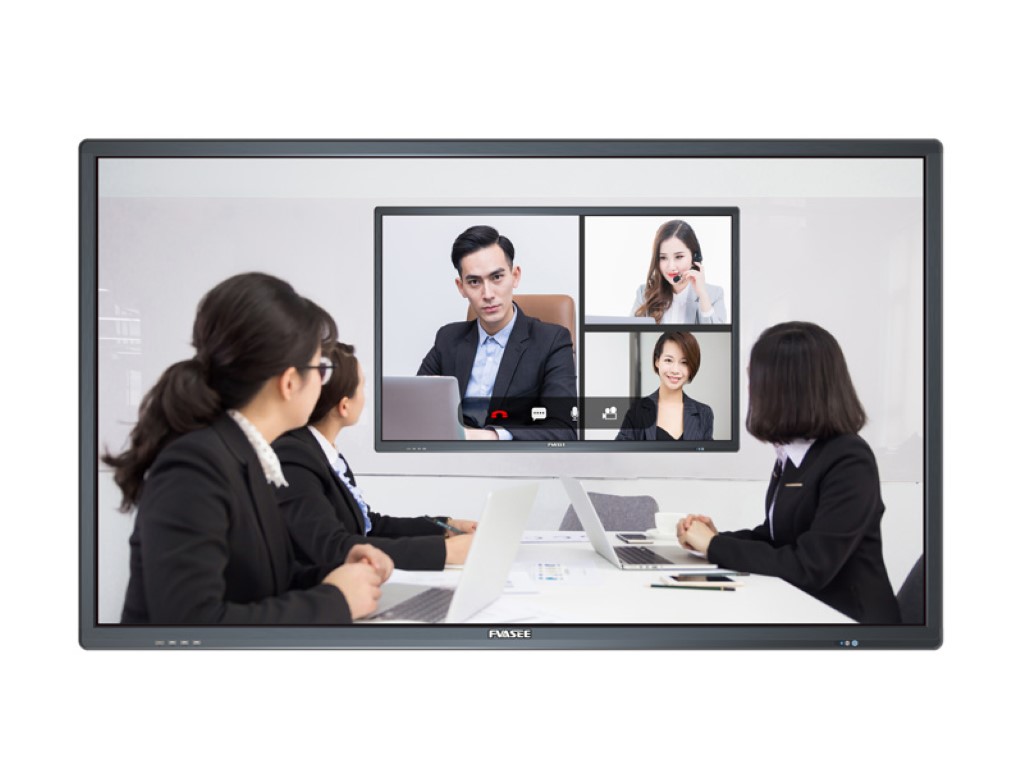
Screen projection is one of the most important functions of a smart conference tablet. At present, the projection method of the conference tablet is basically the same, and there are slight differences in the experience.
It is mainly divided into three ways:
1.Screen projector
The computer is connected to the screen projection device, and the conference tablet is one-click projection screen. The device does not need to be connected to the Internet, and the projection screen is the most stable. It supports reverse touch and needs to be connected through USB.
2.projection screen application
Computers and mobile phones need to download screen-casting software, and be in the same Wi-Fi environment as the conference tablet, support reverse touch, and have rich functions, which have relatively high requirements on the network environment.
3.Protocol projection screen
Projection screen through projection screen protocols such as Airplay and Huawei has the advantage that it can be used without installing apps or connecting hardware, mobile phones, and computers. At present, FVASEE has a relatively good compatibility, which can achieve rich screen projection support through third-party applications in the application market.
The screen transfer method is the first to recommend the screen transfer device. Although most brands need to purchase additional screen sharing devices, FVASEE’s screen sharing devices and smart pens are standard and do not need to be purchased again. The same screen device also has the advantages of no need to set up a network, point-to-point transmission, and stable high-definition, which is also the main reason for the first push of the same screen device.
In addition to the most basic projection screen functions, some manufacturers with R&D capabilities will also have more projection screen options. For example, FVASEE not only supports projection screen of the entire computer, but also supports extended screen mode and application projection screen mode.
The most frequently used method in daily life is to use the screen transfer device to project the screen to the conference tablet. When used with the FVASEE screen sharing assistant, the conference tablet can be used as an extended screen, and the window to be displayed can be dragged to the conference tablet will not be displayed.You can also click on an application to cast the screen, and the conference tablet will only display the screen of the application, and will not cast WeChat chat, pop-up windows and other information.