How to Upgrade from Classroom Projectors to FVASEE Interactive Whiteboards
How to Upgrade from Classroom Projectors to FVASEE Interactive Whiteboards
Transition to Smarter, More Engaging Learning with FVASEE Classroom Technology
As schools worldwide embrace digital transformation, many are moving away from traditional classroom projectors in favor of modern interactive whiteboards. Interactive displays are quickly becoming the centerpiece of smart classroom solutions for K–12 schools, universities, and training centers because they deliver superior learning experiences, better collaboration, and long-term cost efficiency compared to outdated projection systems.
Upgrading from classroom projectors to FVASEE interactive whiteboards not only empowers teachers but also prepares students for a future where technology and learning are seamlessly integrated.
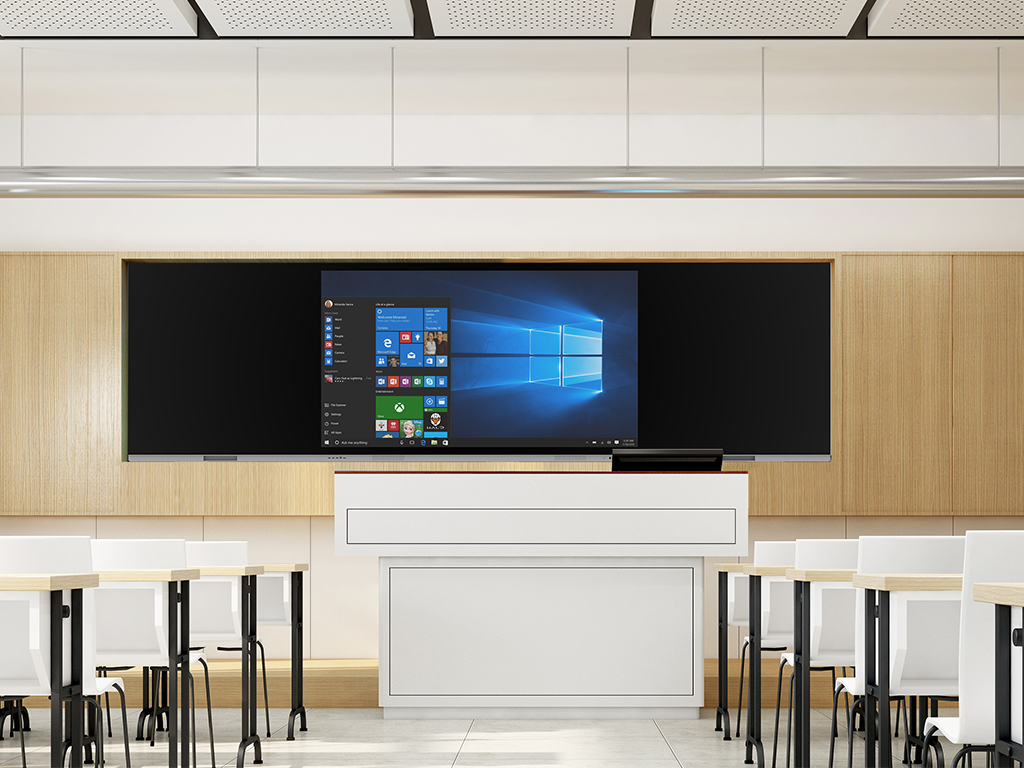
Why Make the Switch: From Projectors to Interactive Whiteboards
Traditional projectors were once the standard in classrooms. However, as digital learning evolves, the limitations of projectors have become increasingly clear, especially when compared to modern interactive displays.
Limitations of Classroom Projectors
Calibration hassles: Projectors often require frequent calibration to maintain accurate touch interaction when sensors are involved.
Maintenance costs: Projector lamps and filters need regular replacements and servicing.
Visual inconsistencies: Shadows or ambient light interference can make projected images hard to view.
Bulky setups: Ceiling-mounted projectors take up space and lack the flexibility of modern displays.
In contrast, interactive whiteboards like those from FVASEE offer a more intuitive, scalable, and durable solution for everyday classroom use.
Top Benefits of Upgrading to FVASEE Interactive Whiteboards
1. Direct Touch Interaction and Collaboration
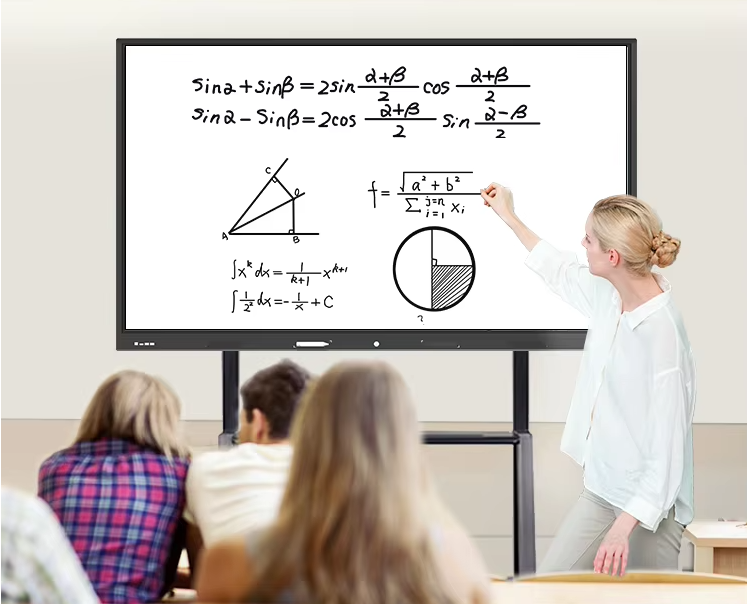
With FVASEE interactive whiteboards, students and teachers can interact directly with content via touch or stylus input — no calibration or intermediary sensors are needed. This transforms students from passive observers into active participants and supports group collaboration, peer learning, and hands-on activities.
2. Easy Device Casting and Wireless Integration
Unlike projectors, FVASEE interactive displays allow students to wirelessly cast content from laptops, Chromebooks, or tablets, enabling them to share work in real time with classmates and teachers. This fosters a more connected and interactive classroom environment.
3. No Lamps, No Shadows, No Hassle
Modern interactive whiteboards don’t use bulbs or lamps that require ongoing replacement. They also eliminate the shadow interference common with traditional projectors, ensuring clearer visibility and less disruption during lessons.
4. Better Visual Experience and Higher Resolution
FVASEE interactive whiteboards deliver bright, high-resolution images that are more readable and engaging than typical projector outputs, even in well-lit classrooms. This enhances clarity across every subject — from math diagrams to science videos.
5. Flexible Classroom Design
Interactive whiteboards can be installed on walls or mobile stands, offering schools flexibility in classroom layout and space planning. This versatility supports different teaching styles and collaborative learning setups.
6. Internet Connectivity and Smart Features
FVASEE interactive whiteboards connect to the Internet and support cloud services, educational apps, and web-based tools that enrich teaching content and enable real-time research, multimedia usage, and digital instruction.

Step-by-Step Guide to Upgrading Your Classroom Display
Upgrading from a projector system to an interactive whiteboard can be straightforward with proper planning. Here’s a general roadmap:
✔ Evaluate Classroom Needs
Assess current projector setups, classroom sizes, and teaching workflows. Determine whether displays will be wall-mounted or placed on mobile stands.
✔ Choose the Right FVASEE Interactive Whiteboard
Select display sizes that match room dimensions, and ensure compatibility with school networks and existing devices.
✔ Install and Connect
Mount the interactive whiteboard securely on a wall or stand. Connect it to the school network via Ethernet or Wi-Fi. Most interactive displays can be operated using a finger, stylus, or included pen.
✔ Train Teachers and Staff
Provide user training so instructors can leverage built-in annotation tools, touch features, and file sharing. FVASEE’s intuitive interface minimizes the learning curve for educators.
✔ Integrate with Learning Tools
Connect classroom devices such as laptops, tablets, or Chromebooks. Enable wireless casting and collaborative tools so students can share screens and content during class.
Why FVASEE Is the Preferred Choice for Education Technology
FVASEE interactive whiteboards are designed specifically for schools and educational institutions. They support:
* Smooth multi-touch interaction
* High-resolution video and graphics
* Wireless screen sharing from multiple student devices
* Built-in annotation and teaching tools
* Flexible installation options
These features help schools transition from static projection systems to dynamic, interactive classroom displays that enhance engagement and academic outcomes.
Future-Ready Classrooms with FVASEE
Upgrading classroom projectors to FVASEE interactive whiteboards can significantly improve instructional quality, student involvement, and digital learning readiness. By embracing interactive display technology, schools empower teachers to deliver richer lessons, facilitate collaboration, and support diverse learning styles.
Explore FVASEE interactive whiteboard solutions to start your school’s digital classroom transformation today.