Portable Smart TVs for Home Office: Flexible Work Display Guide
Portable Smart TV for Home Office
A Flexible Smart Display for Modern Remote Work
Why use a portable smart TV in a home office?
Portable smart TVs are becoming popular in home office setups because they combine a large display, mobility, and smart features into one device. Unlike traditional monitors or TVs, they can be repositioned easily and used for multiple tasks throughout the day.
Key advantages include:
flexible workspace setup
wireless connectivity for laptops and devices
large screen for productivity and meetings
multi-purpose use (work + entertainment)
This makes portable smart TVs ideal for remote workers who need adaptable and space-efficient work environments.
Can a portable smart TV be used for work?
Yes. A portable smart TV can function as a secondary monitor, video conferencing screen, and presentation display. Its mobility and wireless connectivity make it especially useful for flexible home office setups.
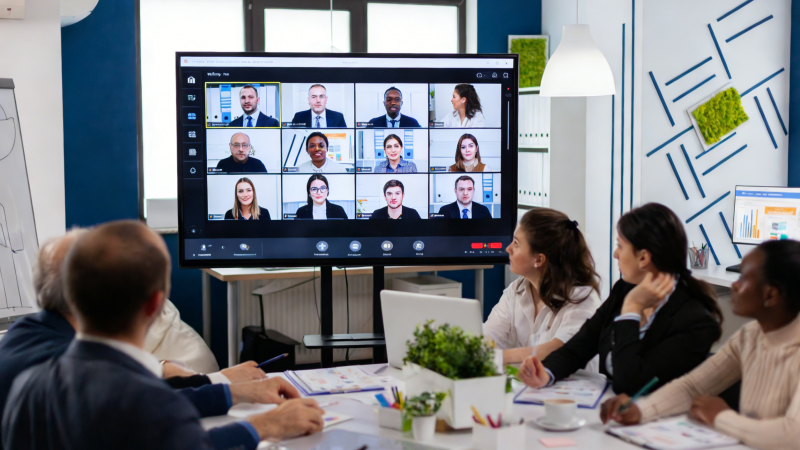
The Rise of Flexible Home Workspaces
Remote work has changed how people use space at home.
Instead of fixed office setups, many users now prefer:
working from different rooms
switching between desk and casual spaces
minimizing permanent equipment
Smart TVs with remote access features already allow users to connect to PCs and work directly from a large screen, making home offices more flexible.
Portable smart TVs take this concept further by adding mobility and adaptability.
Why Portable Smart TVs Fit Home Office Needs
Work Anywhere at Home
A portable smart TV allows you to move your workspace easily.
You can:
work at a desk during the day
move to a sofa for relaxed tasks
adjust positioning for better lighting
Mobility is especially useful in shared or multi-purpose spaces.
Large Screen for Productivity
Compared to laptops or tablets, portable smart TVs offer:
larger displays (typically 27–32 inches)
clearer visuals for multitasking
better visibility for documents and presentations
High-resolution screens improve efficiency, especially for design, data work, or meetings.
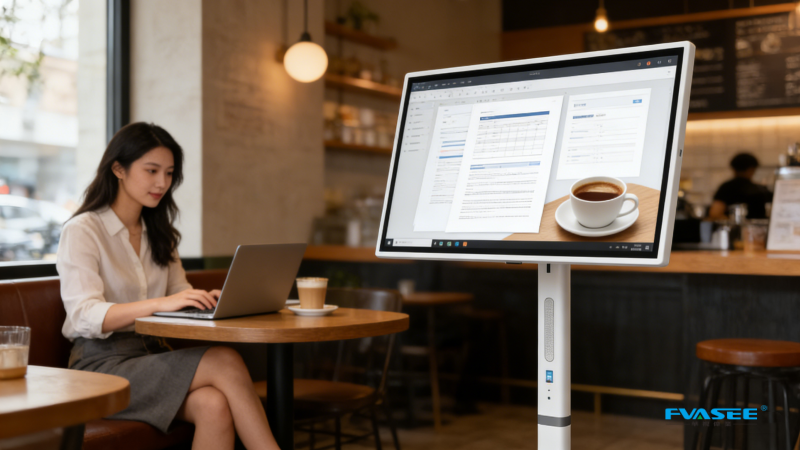
Wireless and Multi-Device Connectivity
Modern portable smart TVs support:
Wi-Fi streaming and screen mirroring
HDMI / USB connections
Bluetooth accessories
This allows seamless switching between:
laptop
smartphone
tablet
without complicated setups.
Built-In Battery for Cable-Free Setup
Many portable smart TVs include internal batteries, enabling:
clean, cable-free desks
flexible positioning
uninterrupted workflow
Battery-powered displays typically run for several hours depending on usage.
Dual Use: Work and Entertainment
A major advantage is versatility.
After work, the same device can be used for:
streaming content
watching videos
gaming or relaxation
This reduces the need for multiple devices in the same space.
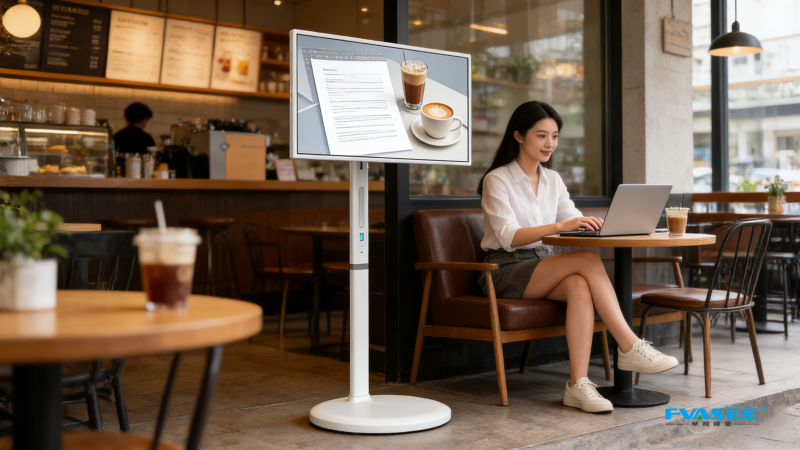
Real Home Office Use Scenarios
Remote Work Setup
connect laptop wirelessly
use as a second monitor
manage multiple windows
Video Meetings
Some portable smart displays include cameras or support external webcams, making them suitable for:
Zoom calls
team meetings
online collaboration
Creative Work
Portable smart TVs are useful for:
design preview
content creation
video editing
Their large screen and flexible positioning improve workflow.
Flexible Daily Routine
Users can shift their workspace throughout the day:
morning → desk work
afternoon → casual workspace
evening → entertainment
This adaptability improves comfort and productivity.
Portable Smart TV vs Traditional Monitor
| Feature | Traditional Monitor | Portable Smart TV |
|---|---|---|
| Mobility | Fixed | Movable |
| Installation | Required | Plug-and-play |
| Screen size | Medium | Larger |
| Connectivity | Limited | Multi-device |
| Use case | Work only | Work + entertainment |
Portable smart TVs provide a more flexible and multi-functional solution.
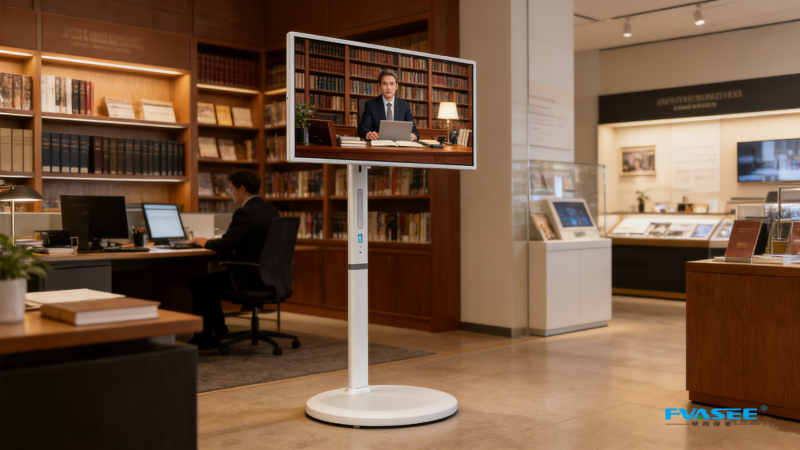
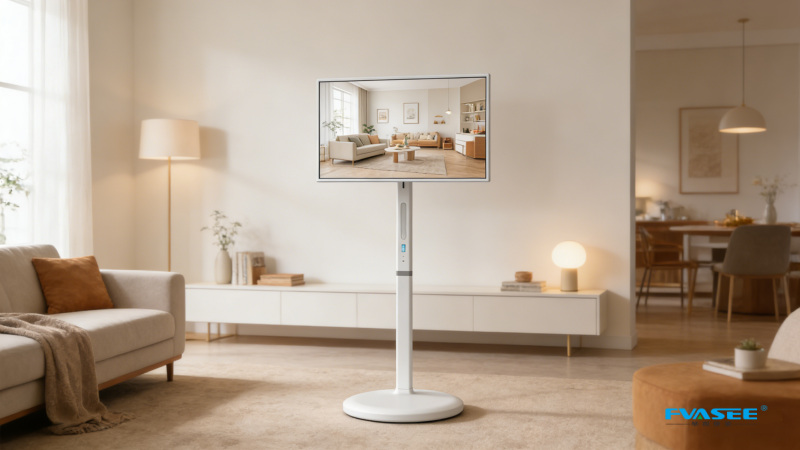
FVASEE Portable Smart TV for Home Office
FVASEE portable smart displays are designed for modern work environments.
Key Features
Full HD touchscreen display
Android smart system
built-in rechargeable battery
rolling stand for mobility
adjustable height and rotation
wireless screen casting
These features support both productivity and flexible working styles.
FAQ
Can a smart TV replace a computer monitor?
In many cases, yes. A smart TV can function as a secondary display or even a primary screen when connected to a laptop or PC.
Is a portable smart TV good for remote work?
Yes. It provides a larger screen, flexible positioning, and wireless connectivity, making it ideal for home office use.
What size screen is best for working from home?
Screens between 27–32 inches are commonly preferred for productivity and comfortable viewing.
Do portable smart TVs support screen mirroring?
Yes. Most models support wireless screen mirroring from laptops, smartphones, and tablets.
Can I use a portable smart TV as a second monitor?
Yes. It can connect via wireless casting or HDMI for use as a secondary display.
Is it easy to move during work?
Yes. Most models include wheels or lightweight designs for easy repositioning.
Does it require installation?
No. Portable smart TVs are plug-and-play and require no mounting.
Is it suitable for small home offices?
Yes. It is ideal for compact spaces due to its flexibility and space-saving design.