Collaborative Touch Displays Designed for Modern Conference Spaces | FVASEE
Transforming Collaboration with Interactive Displays in Conference Spaces
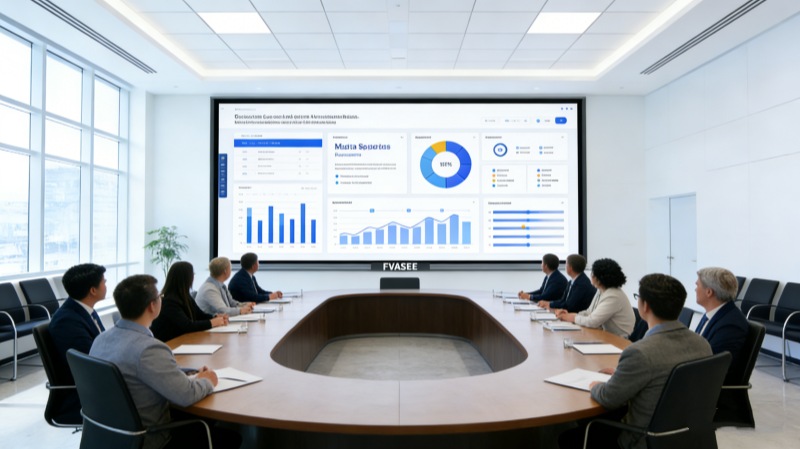
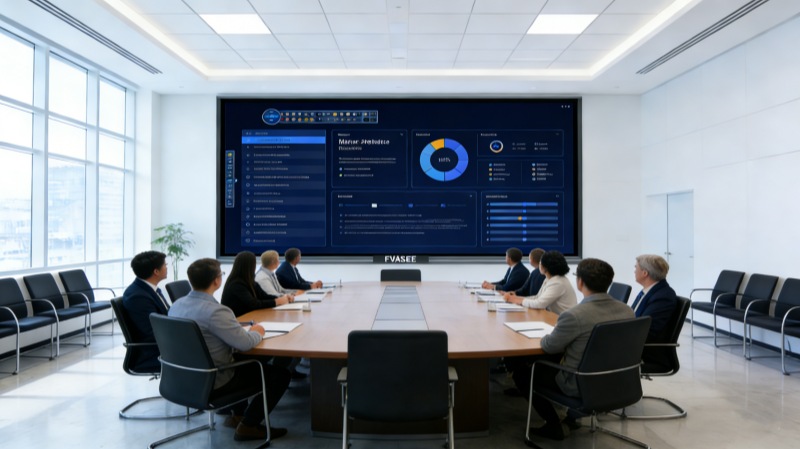
In today’s workplace, collaboration and communication are key drivers of productivity. Traditional meeting setups with static whiteboards and basic projectors often fall short of supporting dynamic group interactions, especially as teams become more distributed and hybrid work models evolve. To create flexible, intuitive, and engaging discussion spaces, many organizations are turning to advanced display technologies designed specifically for meeting rooms and collaborative areas.
FVASEE’s interactive display solutions empower teams to share ideas effortlessly, engage visually with content, and streamline decision-making. These systems act as central hubs for presentations, brainstorming sessions, and remote collaboration — bringing clarity and participation to every discussion.
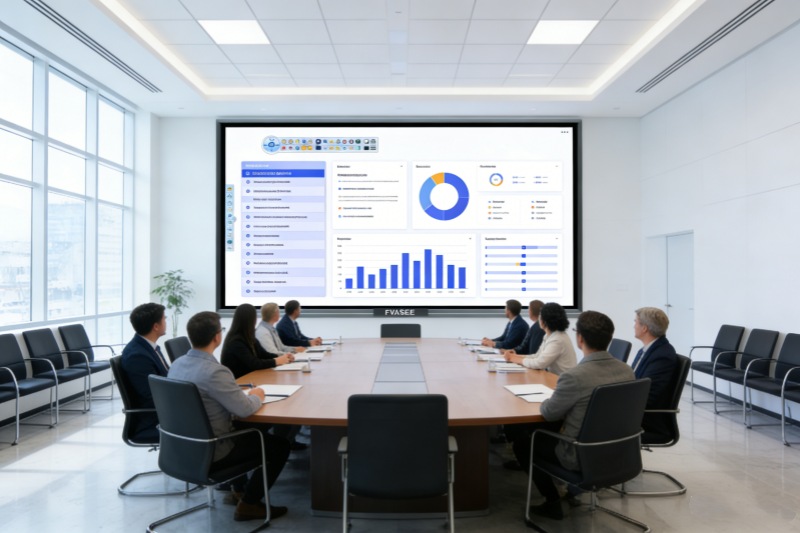
Why Interactive Displays Elevate Meetings
Modern interactive displays go beyond simple screen sharing. They merge touch responsiveness, content integration, and real-time interaction in ways that traditional displays cannot:
Touch-Enabled Collaboration
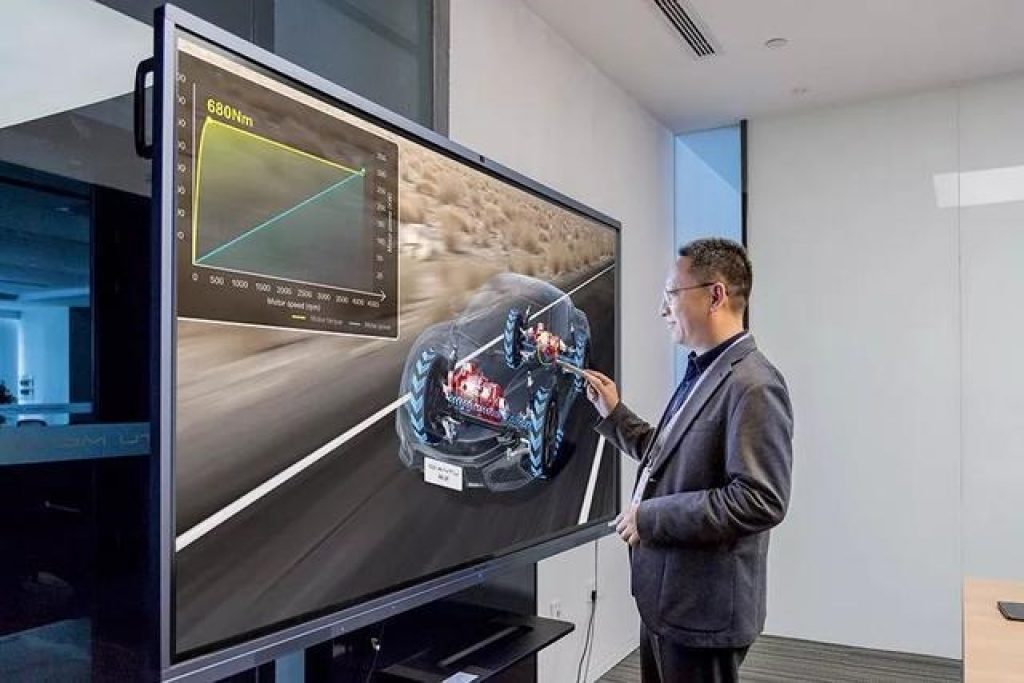
Participants can interact directly with the content on screen using touch gestures or stylus input, much like using a digital whiteboard. This hands-on interaction encourages participation from everyone in the room.
Seamless Screen Sharing
Meeting attendees can wirelessly project laptops, tablets, or smartphones onto the display without needing cables, reducing setup time and technical barriers.
Multi-User Support
With responsive screens that register multiple touch points, several users can write, draw, or manipulate content at the same time — making brainstorming and co-creation sessions smoother and more natural.
Integrated Tools for Meetings
Built-in software features such as annotation layers, split-screen views, and meeting notes help keep discussions organized and actionable.
These capabilities help teams stay focused, shorten meeting preparation time, and foster more meaningful conversation among participants.
Use Cases for Modern Conference Displays
Collaborative Brainstorming
Interactive displays allow team members to sketch ideas, highlight key points, and save content directly for future reference. This eliminates the need for paper whiteboards or handwritten notes that are easily lost.
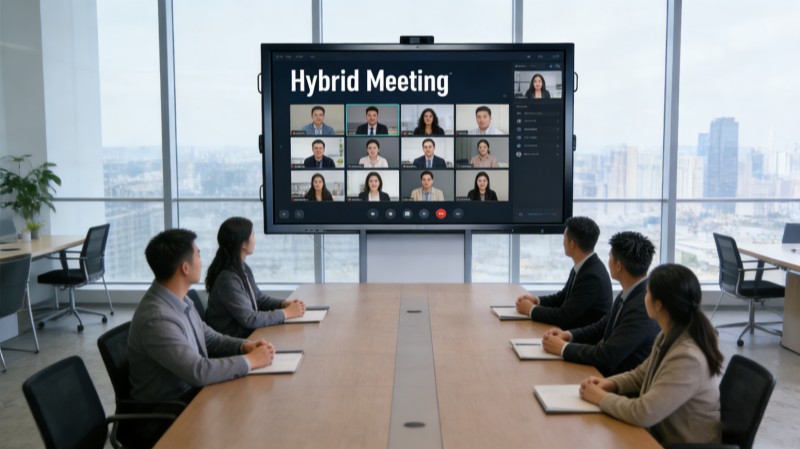
Remote and Hybrid Meetings
With integrated video conferencing tools and support for third-party meeting platforms, remote participants can see and interact with the same content as those onsite — leveling the playing field for distributed teams.
Training and Workshops
Large touch panels provide an immersive canvas for training sessions, allowing trainers and learners to interact with instructional content dynamically.
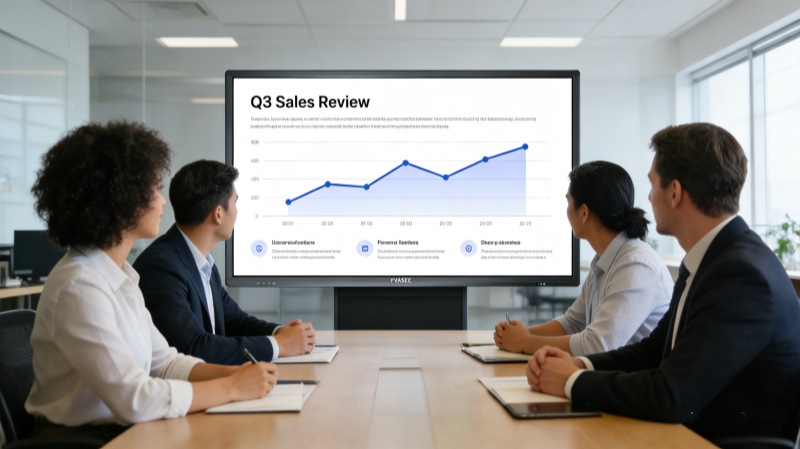
Presentations and Strategy Sessions
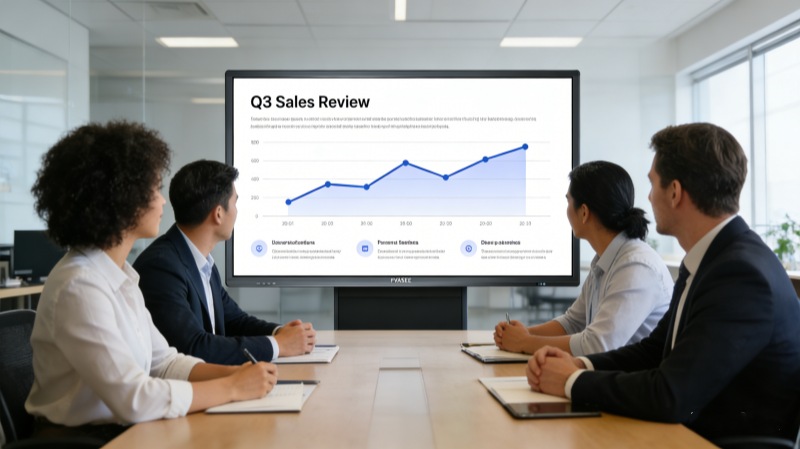
Whether reviewing quarterly results or planning a new project, interactive displays support dynamic presentations with real-time annotation, media integration, and flexible layout options.
Key Benefits for Organizations
Improved Engagement
Interactivity reduces passivity in meetings. Users become active contributors rather than passive observers.
Enhanced Clarity and Retention
Visual and tactile interaction with content reinforces learning and understanding, resulting in clearer takeaways and reduced information loss.
Reduced Setup Overhead
Time spent configuring connectivity or switching cables becomes a thing of the past, allowing teams to start discussions faster.
Future-Ready Meeting Spaces
As organizations adopt hybrid work and agile collaboration practices, interactive displays provide a durable, scalable foundation that supports evolving workplace needs.
What Makes FVASEE’s Display Solutions Stand Out
FVASEE’s interactive display systems are designed with modern workspaces in mind:
High-Resolution Touch Panels: Crisp visuals and responsive touch technology make interaction smooth and intuitive.
Flexible Mounting Options: Displays can be installed in conference rooms of varying sizes, from huddle spaces to executive boardrooms.
Centralized Management: IT teams can manage software updates and display settings from a unified platform, reducing maintenance efforts.
Compatibility with Popular Platforms: Support for mainstream video conferencing and collaboration tools ensures seamless integration into existing workflows.
These features ensure that meeting environments become more collaborative, accessible, and efficient — enabling teams to focus on what matters most: achieving shared goals.
Creating Meeting Spaces That Inspire
Workplace technology should support communication, not hinder it. Interactive displays redefine what collaboration can look like by removing technical barriers and encouraging natural exchanges of ideas. With intuitive interfaces and powerful sharing capabilities, teams can accomplish more in less time — whether they are in the same room or spread across the globe.
By adopting FVASEE’s interactive display solutions, organizations can create meeting spaces that are as dynamic and forward-thinking as the teams that use them.