What Size Interactive Whiteboard Is Best for Classrooms? | FVASEE
What Size Interactive Whiteboard Is Best for Classrooms?
A Comprehensive Guide for Choosing Ideal Display Sizes
Choosing the right screen size for an interactive whiteboard or flat panel display is one of the most important decisions schools must make when upgrading classroom technology. The proper size not only ensures clear visibility from every desk, but also supports comfortable interaction, enhances student participation, and future-proofs the learning environment. As classrooms evolve toward more collaborative and digital learning styles, understanding size recommendations becomes essential. FVASEE provides this detailed guide so you can select the ideal display size with confidence.
Why Screen Size Matters in Classroom Displays
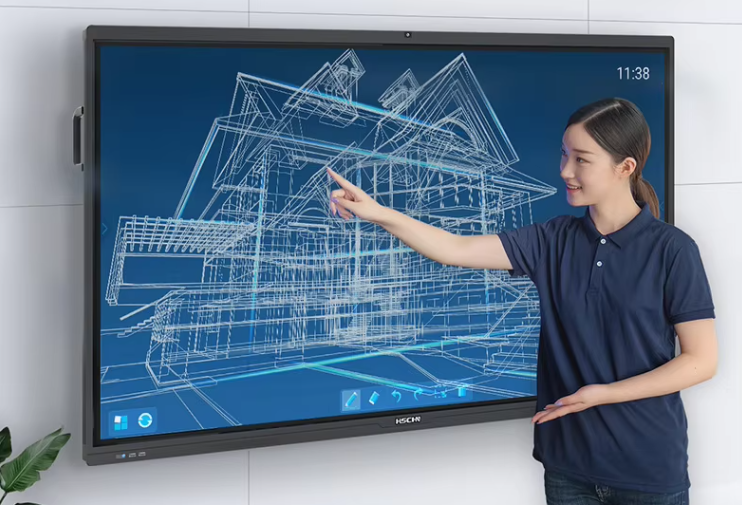
Unlike classroom TVs or home monitors, interactive whiteboards serve as the central visual and interactive hub for teaching and group collaboration. They must be large enough for students to easily see from all angles, yet not so large that writing or navigating the screen becomes awkward for educators. Screen size impacts:
Reading distance and clarity: Larger screens improve legibility for students in back rows.
Interactive usability: Teachers and students must be able to comfortably reach and interact with the touch surface without strain.
Space utilization: Classroom layout, wall area, and seating arrangement influence what sizes will fit best.
Getting this balance right improves engagement, reduces eye fatigue, and helps learners stay focused throughout lessons.
Recommended Interactive Display Sizes by Classroom Type
Below are general guidelines for selecting interactive whiteboard sizes based on classroom scale and usage scenarios:
Small Classrooms (Up to ~20 Students)
In classrooms with limited space or fewer students, moderately sized displays such as 65″ to 75″ provide enough screen real estate for clear viewing while still fitting comfortably on standard classroom walls. These sizes also allow students close to the display to interact without crowding.
Best for: Early elementary classrooms, compact learning spaces, specialized tutorial rooms
Standard Classrooms (20–30 Students)
For most typical K-12 classrooms, 75″ to 86″ displays strike a balance between size and usability. A 75″ screen is often considered the “sweet spot,” offering wide visibility without overwhelming the room. Larger 86″ screens are ideal if the room depth exceeds average teaching spaces or if the school frequently uses multimedia in lessons.
Best for: Standard grade classrooms, blended learning environments
Large Classrooms and Lecture Spaces
In expansive classrooms, lecture halls, or auditoriums, 86″ to 98″ (or above) displays deliver enhanced presence and ensure that even distant learners can see content clearly. However, these larger screens also require robust mounts and careful installation to ensure safety and optimal viewing angles.
Best for: Upper-level labs, lecture halls, multi-purpose rooms
Factors Beyond Size: Viewing Distance, Student Age & Layout
When selecting screen size, it’s not just about inches — other factors influence the ideal choice:
Viewing Distance:
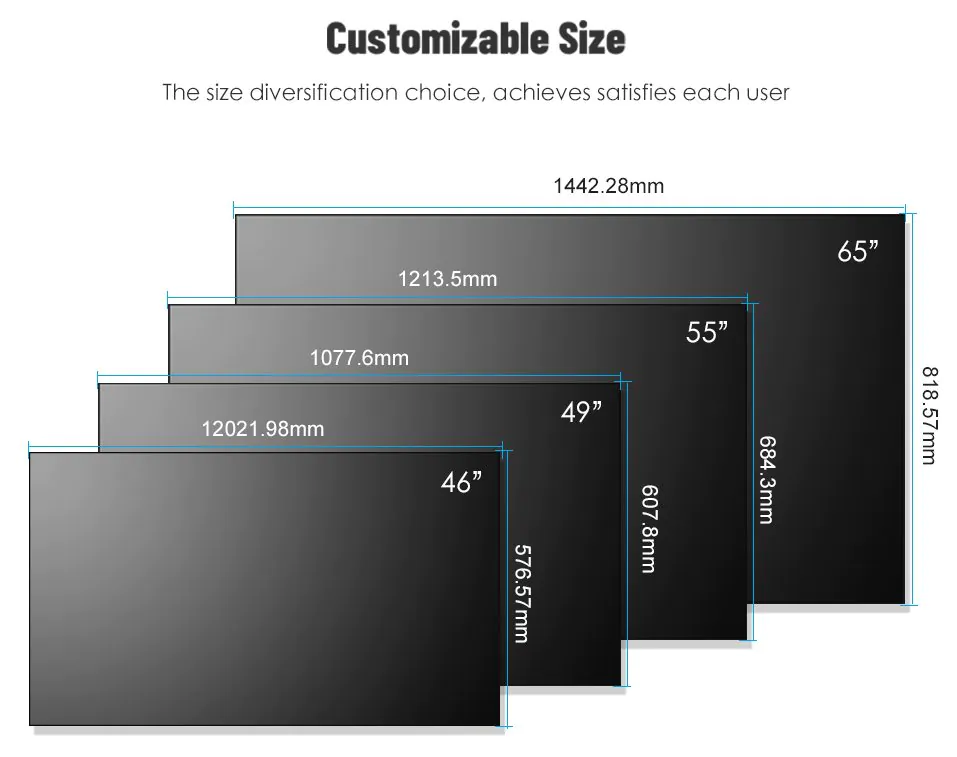
As a general rule, the furthest student should be no more than 2 to 2.5 times the diagonal measurement away from the screen. For example, students at the back of a room viewing a 75″ screen should be roughly 10–12 feet away to see details comfortably.
Age and Height of Students:
Younger learners are shorter and may have difficulty interacting with very large screens if mounted too high. For lower grades, moderately sized displays mounted at accessible heights help maximize participation.
Classroom Layout:
Seating arrangements, desk spacing, and the presence of windows or lighting also impact screen choice. Displays with anti-glare surfaces and high brightness ratings help maintain visibility under varied lighting conditions.
Why FVASEE Recommends Flexible Display Options
At FVASEE, we recognize that no two schools are identical, and classroom needs differ widely. Our interactive flat panels are available in a range of diagonal sizes — from traditional 65″ options up through 86″ and larger — allowing educators to select the model that best matches their space and instructional goals.
Key benefits of FVASEE displays include:
Optimized visibility: Crisp 4K resolution and anti-glare panels support clear viewing in bright rooms.
Multi-touch interactivity: High-precision touch technology supports multiple users, encouraging student collaboration.
Future-ready compatibility: Seamless integration with educational apps and cloud services enhances lesson delivery.
With these features, FVASEE displays not only fit the physical dimensions of your classroom but also support teaching strategies that make learning more interactive and effective.
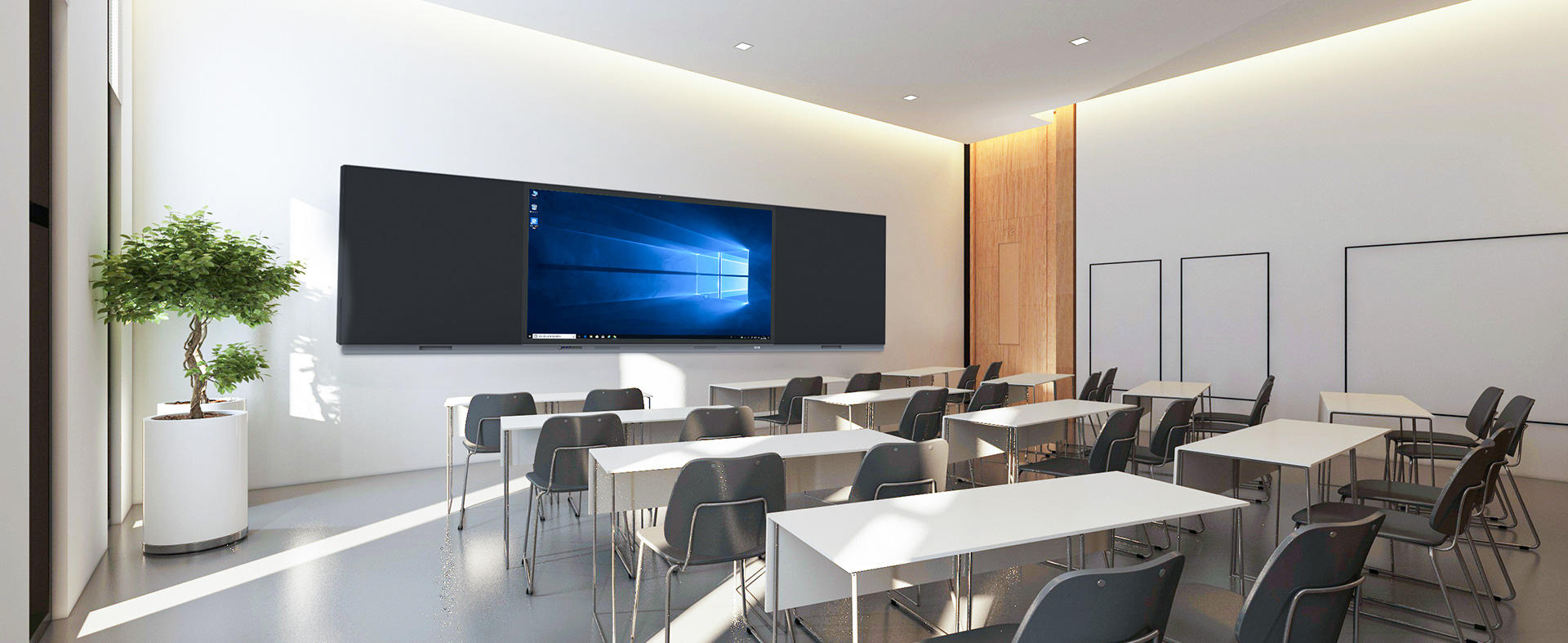
Installation & Practical Tips
When installing a new interactive display, consider the following practical points:
Mounting height: Ensure the bottom edge is low enough for students to reach for touch activities but high enough not to be obscured by desks.
Stable support: Larger displays require sturdy wall mounting or height-adjustable stands to ensure safety and flexible use.
Peripheral accessories: Wireless casting, webcams, and sound systems complement the interactive display to support hybrid or multimedia-rich lessons.
Proper installation maximizes the return on investment and extends the life of the equipment.
Conclusion: Choosing a Size That Works for Your Classroom
Selecting the right interactive whiteboard size is a strategic decision that impacts how information is delivered, how students engage, and how long the technology remains effective. For most standard classrooms, 75″ to 86″ displays offer the best combination of visibility, usability, and future-proofing. Smaller spaces may benefit from mid-range displays, while larger lecture environments may justify even bigger screens.
With flexible size options and classroom-ready features, FVASEE’s interactive displays ensure that every learning space — from small seminar rooms to large lecture halls — receives the appropriate tool for modern education.