8 Practical Ways to Use Interactive Whiteboards in Primary Classrooms | FVASEE
8 Ways to Use FVASEE Interactive Whiteboards in Primary School Classrooms
Interactive whiteboards have become an essential tool in primary education, helping teachers bring lessons to life and making learning more engaging and memorable for young learners. With advanced touch capabilities, multimedia support, and intuitive software, FVASEE interactive whiteboards provide flexible teaching aids that adapt to a wide range of classroom activities.
Here are eight practical ways primary school teachers can use interactive whiteboards to enrich classroom experiences and improve student outcomes.
1. Deliver Interactive Lessons with Multimedia Content
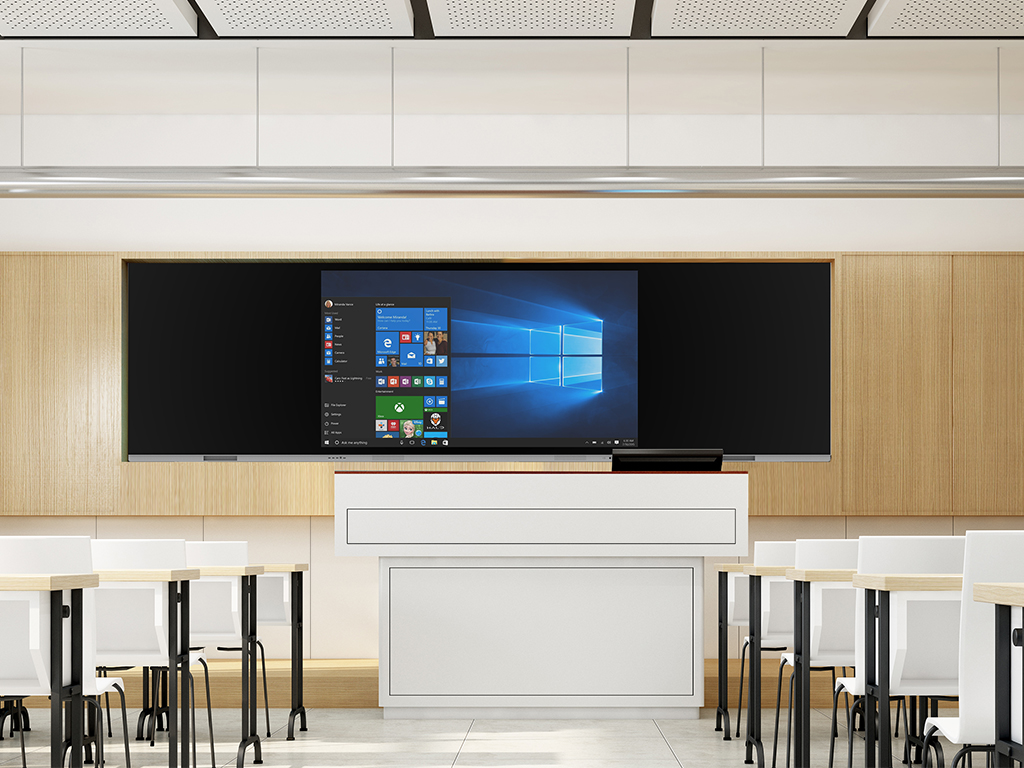
Instead of relying solely on chalk or static displays, teachers can use FVASEE interactive whiteboards to present videos, animations, diagrams, and interactive exercises. Visual and auditory elements make abstract concepts easier to understand — for example, showing a short video of the water cycle during a science lesson or displaying animated letters during literacy activities.
This multimedia approach helps cater to different learning styles, making lessons more accessible and engaging.
2. Make Writing and Drawing Fun and Collaborative
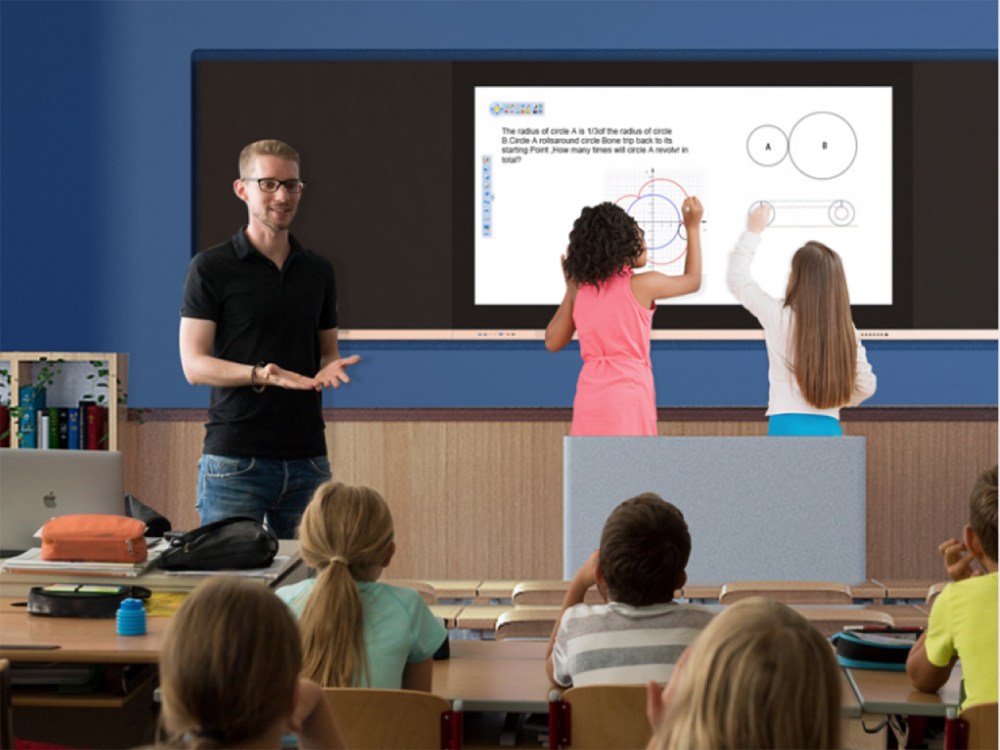
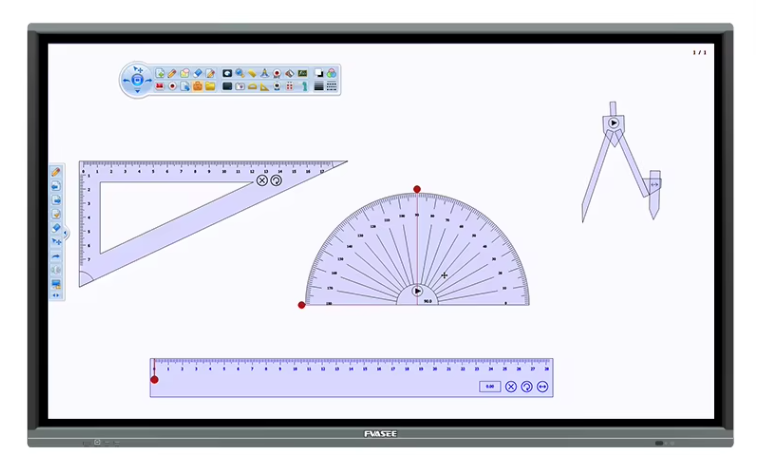
Primary learners benefit from hands-on participation. With FVASEE interactive whiteboards, students can use their fingers or styluses to write, draw, and solve problems directly on the screen — replacing traditional chalkboards while enabling digital annotation.
This makes activities like spelling practice or math problem solving more dynamic. Teachers can also save students’ work and revisit it for review or assessment.
3. Display and Annotate Lesson Materials in Real Time
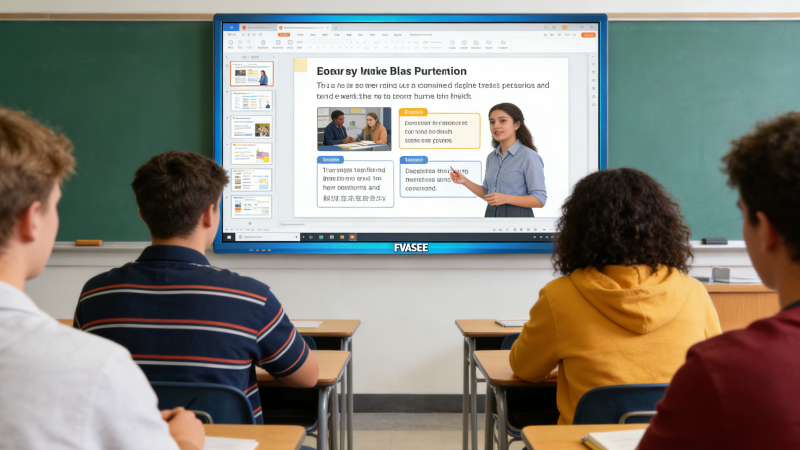
Interactive whiteboards allow teachers to annotate directly on lesson slides, images, or documents. Highlighting key points, circling vocabulary words, or drawing diagrams live helps students follow along and contributes to better note-taking.
With FVASEE, annotations and class notes can be saved at the end of a lesson and shared with students who need extra review.
4. Encourage Group Collaboration and Brainstorming
FVASEE interactive whiteboards support multi-touch input, enabling several students to interact with the screen at once. Whether brainstorming ideas, sorting text blocks, or arranging visuals, students can collaborate directly and build content together — fostering teamwork and communication skills.
This transforms the board into a shared learning space instead of a teacher-only display.
5. Integrate Web Resources for Real-World Learning
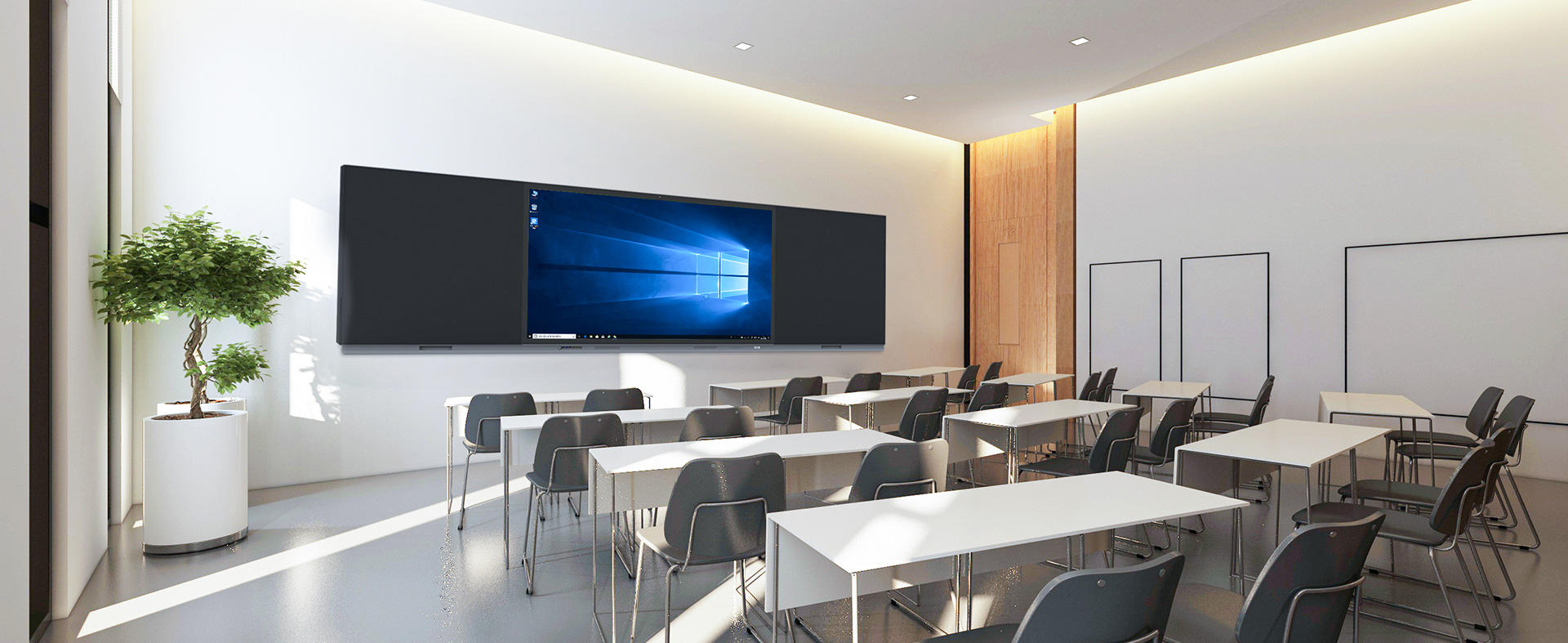
Interactive whiteboards with internet access allow teachers to bring online educational resources into the classroom. Teachers can open interactive maps, search for relevant articles, or access educational websites in real time to support lessons.
For example, when teaching geography, you might display an online map and zoom in on local landmarks while discussing their significance.
6. Use Educational Games to Boost Engagement
Many educators incorporate educational games into lessons using FVASEE’s interactive software or third-party apps. Games for spelling bees, number races, or matching exercises make learning feel playful while reinforcing key concepts.
Game-based learning not only increases participation but can also serve as a formative assessment tool to gauge student understanding.
7. Showcase Student Work and Encourage Peer Learning
Interactive whiteboards can serve as platforms for students to present their work to the class. Whether it’s a completed drawing, a group project, or math solutions, showcasing student work builds confidence and encourages discussion.
Peer-to-peer teaching moments like these can strengthen understanding and help students learn from each other.
8. Support Differentiated Instruction and Review Sessions
With the ability to save lessons and annotations, FVASEE interactive whiteboards allow teachers to tailor instruction for different learners. Teachers can create reusable templates, save custom exercises, and build lesson libraries that support learners at various levels.
Content can be revisited during review sessions or adapted for students who need additional practice.
Conclusion: Enhancing Primary Learning with FVASEE Technology
Interactive whiteboards bring a new dimension to primary education. By combining multimedia, real-time interaction, collaborative tools, and internet resources, FVASEE interactive whiteboards help teachers create lively, student-centered lessons that resonate with young learners. From boosting engagement to supporting differentiated instruction, these tools are transforming how classrooms teach and students learn.
Feel free to explore how FVASEE solutions can adapt to your classroom goals or contact our education specialists for implementation guidance.