How Interactive Whiteboards Support Hybrid and Remote Learning | FVASEE
How FVASEE Interactive Whiteboards Support Hybrid and Remote Learning
As education models evolve, many schools and organizations are blending in-person and remote instruction to create more flexible learning experiences. This shift toward hybrid and distance learning requires technology that connects students and teachers seamlessly, no matter where they are located. FVASEE interactive whiteboards are designed to meet this need — acting not just as classroom displays, but as interactive hubs that unify diverse learning environments.
Modern education demands versatile tools that support live collaboration, real-time interaction, and remote participation. FVASEE interactive whiteboards deliver these capabilities, helping educators create engaging lessons that work whether learners are physically in the room or joining from afar.
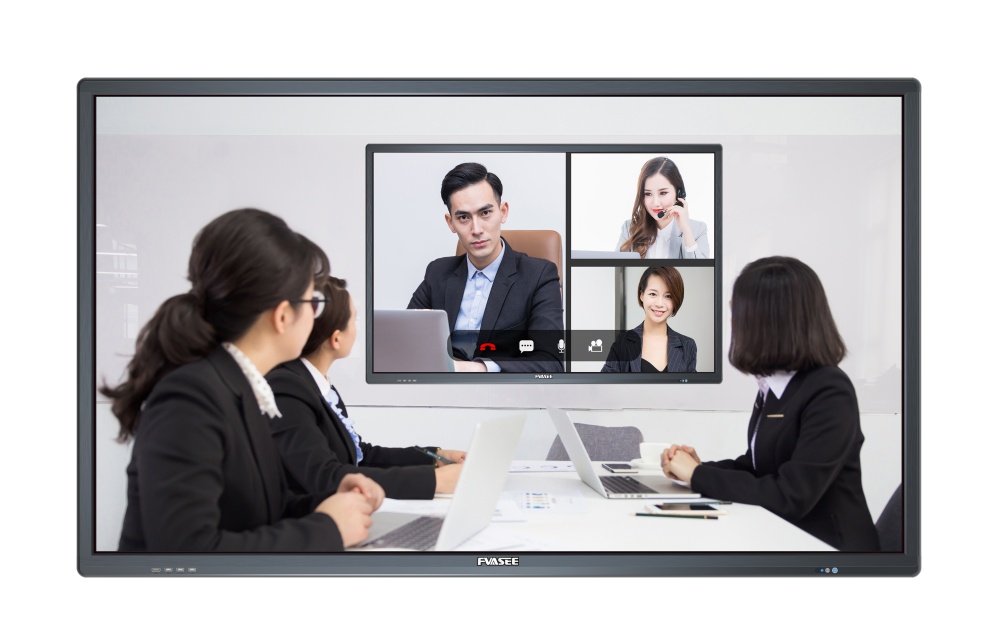
Enhancing Live Teaching with Real-Time Interaction
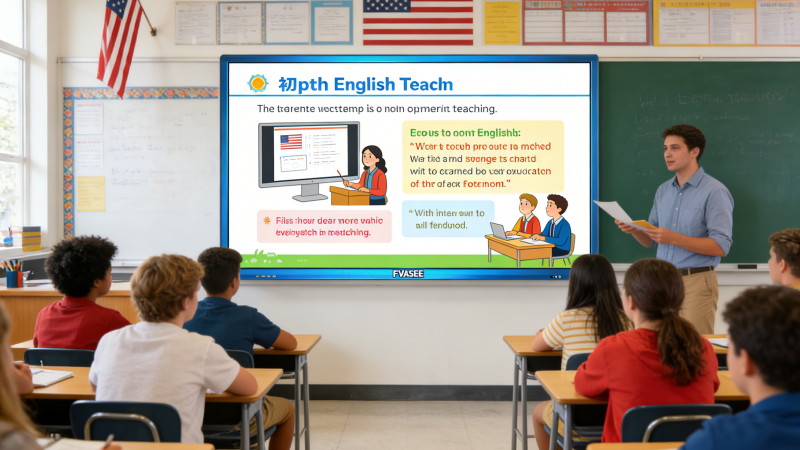
In a hybrid classroom, live instruction involves students both in the physical classroom and online simultaneously. With FVASEE interactive whiteboards, teachers can:
* Display lesson materials, slides, and media for all participants
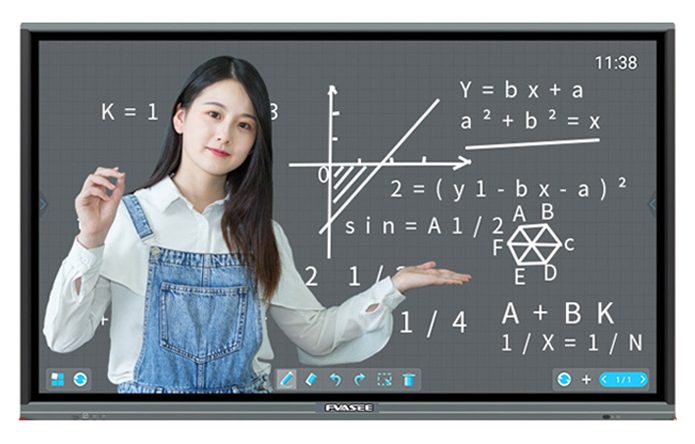
* Annotate directly on content in real time
* Capture notes and share them instantly with remote learners
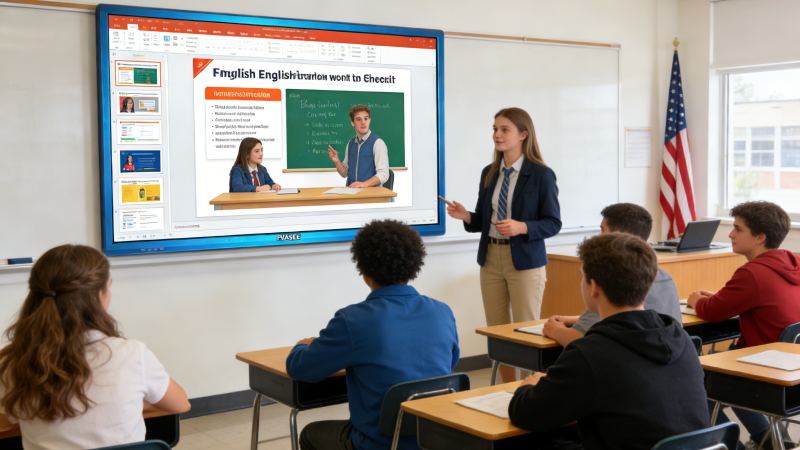
Teachers can connect the whiteboard to video conferencing tools like Zoom, Google Meet, or Microsoft Teams and interact with both in-room and online students without losing continuity. The ability to write, highlight, and manipulate content on the whiteboard during the lesson keeps all learners engaged, regardless of where they are learning from.
Smooth Integration with Remote Collaboration Tools
Successful hybrid learning relies on tools that support seamless collaboration. FVASEE interactive whiteboards come with built-in connectivity options that make it easy to integrate with widely used educational platforms and remote tools.
Educators can:
* Share screens with remote students
* Let learners contribute to the board through interactive apps
* Use classroom software for quizzes, polls, and group work
This integration ensures that remote learners participate in the learning process, rather than simply observing. Students joining from home can see lesson content clearly, interact with activities, and stay just as involved as their classmates who are in-person.

Supporting Student Engagement Across Locations
One key challenge of hybrid and remote learning is maintaining student attention and participation. FVASEE interactive whiteboards help address this challenge in multiple ways:
Touch interaction: Remote students can control or annotate the board content when connected via appropriate software
Multi-user support: Several students can interact with the board at once during group tasks
Rich media lessons: Teachers can embed videos, animations, and live demonstrations that are visible to all learners
These features help bridge the engagement gap between in-room and remote participants. By bringing visual, auditory, and interactive elements together, FVASEE displays make lessons feel dynamic and inclusive.
Simplified Management for Teachers and IT Teams
Hybrid setups can create additional technical complexity. FVASEE interactive whiteboards are designed to reduce that burden through:
* Centralized device management
* Simple network setup
* Firmware and security updates that ensure reliable operation
For IT teams, this reduces configuration time and support overhead. For teachers, it means fewer technical interruptions and more time focused on instruction rather than troubleshooting.
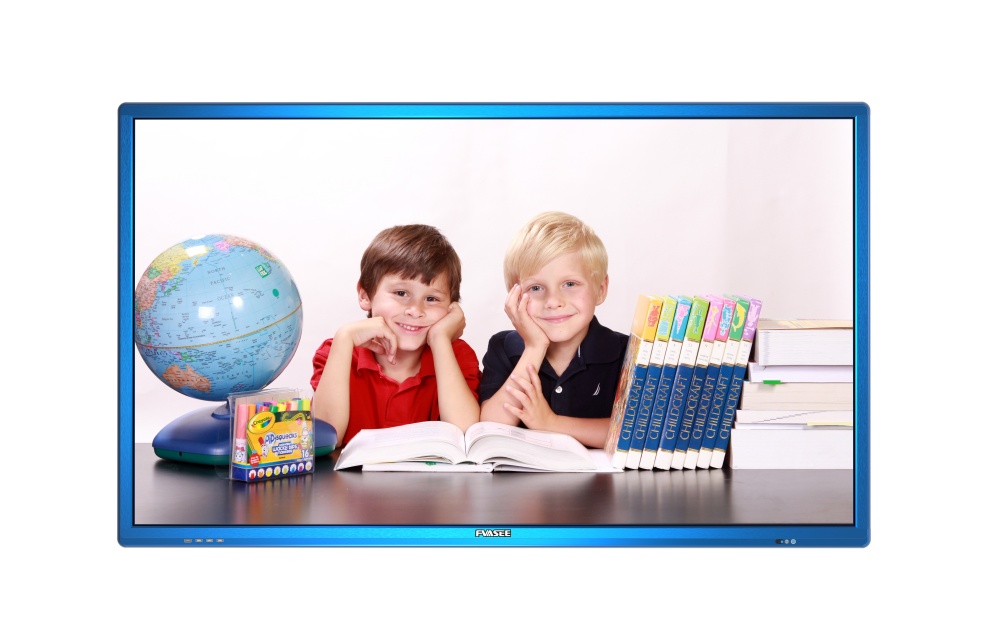
Enhancing Accessibility and Personalization
Every student learns differently, and hybrid environments make it especially important to support varied learning needs. FVASEE interactive whiteboards allow teachers to:
* Save lesson annotations and share them for review
* Record lessons with commentary for later playback
* Adjust content pacing based on student progress
These options accommodate learners who may need to revisit material, catch up after absence, or study at their own pace.
Conclusion: A Unified Tool for Modern Learning Modes
The growing trend toward hybrid and remote learning has reshaped how classrooms function. In this new landscape, interactive displays are no longer optional — they are central to delivering engaging, connected, and equitable instruction. FVASEE interactive whiteboards provide the flexibility, connectivity, and interactive features that educators need to support both in-room and remote learners effectively.
By integrating collaboration tools, real-time interaction, and intuitive controls, FVASEE displays help break down barriers between physical and virtual learning spaces. Whether facilitating live discussions, coordinating group work, or delivering multimedia lessons, FVASEE interactive whiteboards are tools that empower educators to teach with confidence in hybrid environments.