Key Features of Interactive Flat Panel Displays for Schools | FVASEE
Essential Features of Interactive Flat Panel Displays Schools Should Know
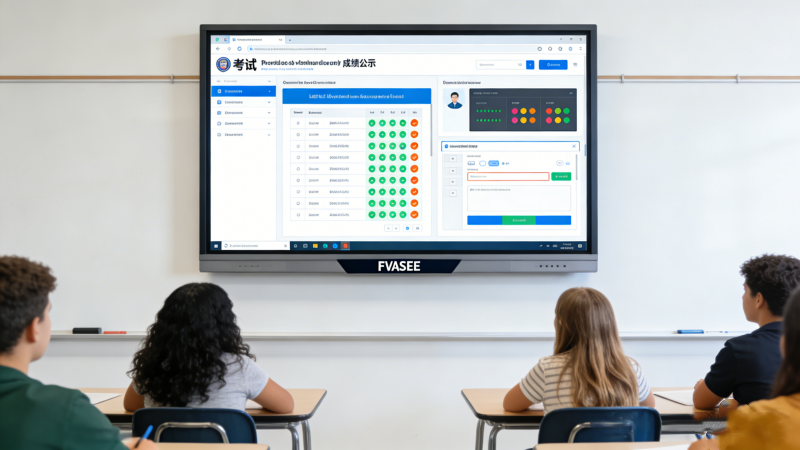
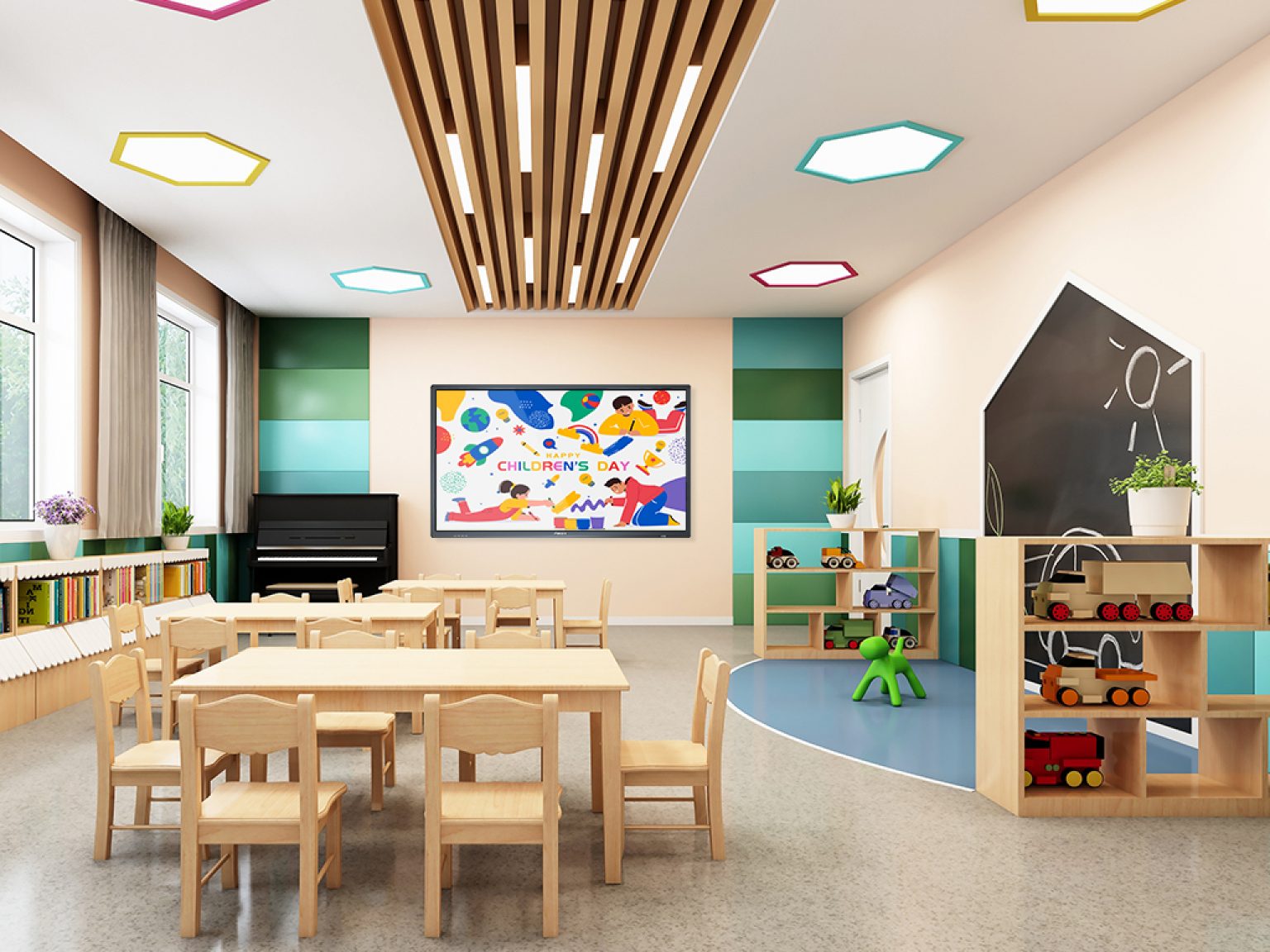
Interactive flat panel displays have become vital in modern education. They do more than replace traditional whiteboards — they transform how lessons are delivered, increase student participation, and support diverse teaching methods. For schools and educational institutions exploring technology upgrades, understanding the key features of interactive flat panels is crucial.
FVASEE interactive flat panel displays combine robust hardware, intuitive software, and connectivity that meets the needs of today’s classrooms — from early elementary through higher education.
Here’s a clear, practical overview of the features that matter most when considering interactive flat panels for educational settings.

1. High-Definition Display for Clear, Vivid Lessons
Visual clarity is fundamental in classrooms. FVASEE interactive panels provide high-definition resolution, ensuring content — whether text, diagrams, or videos — is clear from every seat.
Sharper images help students focus, while accurate color representation makes educational content more engaging. This is especially valuable for subjects like science, geography, and art where detail is essential.
2. Intuitive Touch and Pen Interaction
A touch display that responds smoothly to student and teacher input is key to fostering participation. FVASEE panels support multi-touch interaction, enabling multiple users to interact with the display simultaneously.
Teachers and students can write, drag objects, draw diagrams, and solve problems directly on the screen, making lessons more interactive compared to traditional projectors or static screens.
3. Built-In Educational Tools and Software Compatibility
Interactive flat panels work seamlessly with a wide range of teaching tools and educational software. FVASEE displays come with pre-installed applications and support integration with leading classroom platforms.
These tools help teachers:
* annotate and save lesson notes
* organize coursework in visual formats
* access cloud content
* use digital whiteboarding capabilities
Compatibility with third-party teaching apps and cloud services enhances lesson planning and content delivery.
4. Reliable Connectivity for Modern Classrooms
Modern classrooms rely on devices working together — laptops, tablets, smartphones, and online resources. FVASEE interactive flat panels support multiple connectivity options:
* HDMI and USB for wired connections
* Wi-Fi and Bluetooth for wireless collaboration
* Screen casting / mirroring to share from student devices
This flexibility ensures that content can be shared quickly and reliably from any device.
5. Multi-User Collaboration Features
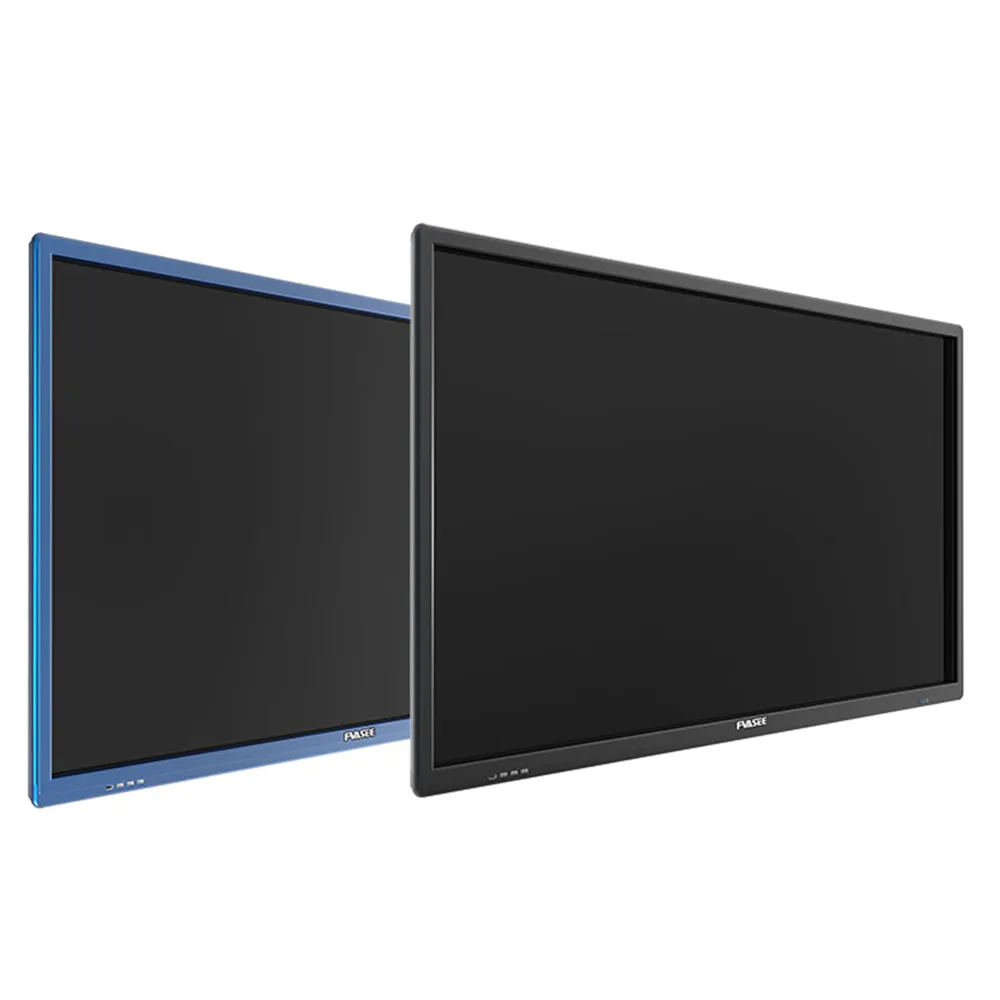
Collaborative learning is a core component of effective education. FVASEE panels support simultaneous multi-touch input, meaning multiple students can work on the screen at the same time.
Teachers can structure group activities that encourage teamwork, such as sorting exercises, interactive quizzes, and shared brainstorming — promoting engagement and peer learning.
6. Energy Efficiency and Low Maintenance
Schools often deploy technology at scale, making energy efficiency and maintenance a priority. FVASEE interactive panels are designed to:
* consume less power
* operate quietly
* require minimal servicing
This contributes to lower long-term operating costs and reduces disruptions in busy school environments.
7. Integrated Audio and Multimedia Support
Great visuals need equally capable audio. FVASEE displays include integrated speakers with rich sound output, suitable for classroom audio requirements.
Teachers can play educational videos, narrate lessons, or use audio resources without needing external sound systems — simplifying classroom setup and reducing additional hardware needs.
8. Secure and Manageable for IT Teams
School IT administrators need devices that are manageable and secure. FVASEE interactive panels support:
* remote system updates
* device management tools
* firmware stability
* secure network configurations
This makes it easier for schools to maintain consistency and protect classroom networks while reducing IT workload.

Why These Features Matter in Educational Contexts
Interactive flat panel displays are not just digital whiteboards — they are hubs for connected learning. With features like multi-user touch, multimedia support, and cloud content access, they support:
* diverse teaching styles
* differentiated learning
* fair access for remote or hybrid students
* collaboration across devices
In short, FVASEE interactive flat panel displays help educators deliver instruction that resonates with today’s tech-savvy learners.
Conclusion: Choosing a Display That Works for Schools
When schools invest in interactive displays, knowing what features truly support effective teaching and learning makes all the difference.
From intuitive interaction and connectivity to collaboration and classroom management tools, the capabilities of FVASEE interactive flat panels align with the practical needs of modern education. Whether for daily classroom lessons, group activities, or hybrid learning environments, these displays offer flexibility and performance that help teachers teach and students learn more effectively.
Explore FVASEE’s range of interactive displays to find the right solutions for your educational settings.