Interactive Training Displays for Teacher Development and Education Workshops | FVASEE
Interactive Display Technology for Teacher Training and Instructional Development
Professional development programs play a crucial role in helping educators refine teaching methods, adopt new technologies, and respond to evolving learning environments. Whether for teacher certification programs, faculty workshops, or institutional training sessions, effective professional development requires tools that support collaboration, demonstration, and real-time feedback.
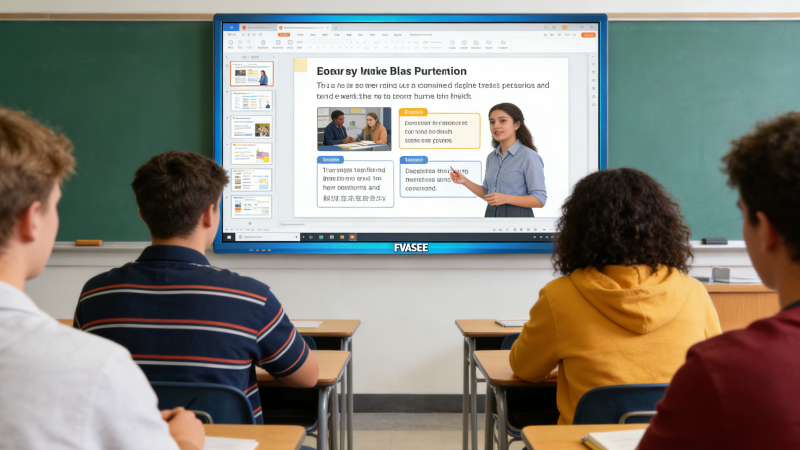
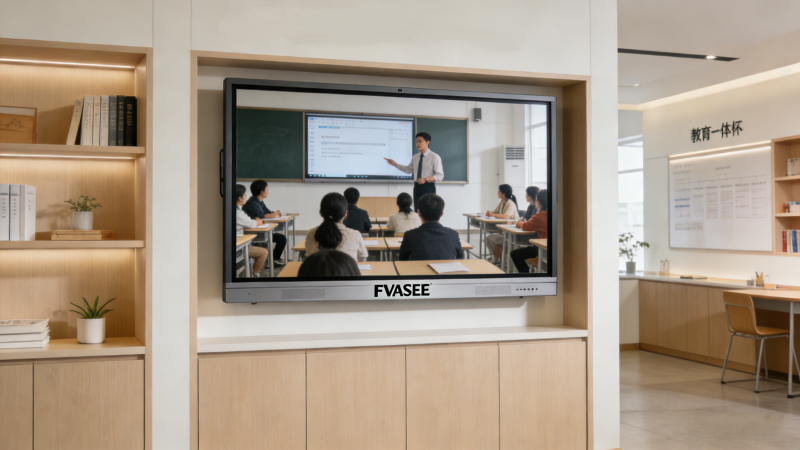
Interactive display systems are increasingly used in teacher training environments because they provide a shared digital workspace where instructors can demonstrate lesson strategies, explore educational resources, and engage participants in hands-on activities. FVASEE’s interactive display solutions help training centers and educational institutions create more dynamic and practical learning environments for educators.
Why Technology Matters in Teacher Professional Development
Modern educators are expected to integrate digital tools, multimedia resources, and collaborative learning strategies into their classrooms. Teacher training sessions therefore benefit from technologies that simulate real classroom experiences.
Interactive displays enable training facilitators to:
Demonstrate Digital Teaching Tools
Trainers can present educational platforms, digital textbooks, and multimedia teaching materials on large interactive screens.
Encourage Hands-On Participation
Participants can interact directly with teaching content through touch input, annotation, and collaborative activities.
Support Multimedia Instruction
Videos, simulations, and interactive resources can be integrated into training sessions to illustrate effective teaching strategies.
Provide Immediate Feedback
Interactive tools allow trainers to conduct quizzes, group exercises, or collaborative problem-solving activities that provide real-time feedback during workshops.
These capabilities help transform teacher development sessions from lecture-style instruction into interactive professional learning experiences.
Key Capabilities of Interactive Displays for Training Environments
Digital Whiteboarding and Lesson Demonstration
Interactive whiteboard tools allow trainers to demonstrate lesson planning techniques, annotate teaching materials, and illustrate complex ideas visually during training sessions.
Multi-Device Wireless Sharing
Teachers participating in workshops can share content from laptops, tablets, or smartphones directly to the display, enabling collaborative lesson design and discussion.
Multi-User Interaction
Large-format displays support simultaneous touch interaction, allowing multiple educators to contribute to lesson simulations, group activities, or curriculum planning exercises.
Integrated Multimedia Presentation
Interactive displays can present slides, educational videos, interactive simulations, and online resources within a single platform, creating richer training experiences.
These capabilities help trainers demonstrate modern teaching practices while allowing participants to practice using digital tools themselves.
Common Applications in Teacher Training Programs
Instructional Technology Workshops
Interactive displays allow trainers to demonstrate how to integrate digital platforms, learning management systems, and online resources into classroom instruction.
Teaching Methodology Seminars
Educators can analyze lesson structures, brainstorm teaching strategies, and collaboratively design instructional materials.
Classroom Simulation Activities
Teachers can simulate classroom scenarios using multimedia content, interactive quizzes, and collaborative problem-solving exercises.
Faculty Development Programs
Universities often conduct regular professional development sessions where instructors learn new pedagogical approaches or digital teaching methods.
These use cases highlight how interactive display systems enhance both engagement and knowledge retention during professional training.
Benefits for Educators and Institutions
Improved Teaching Skills
Interactive training environments allow educators to experiment with modern teaching techniques before applying them in real classrooms.
Higher Engagement in Workshops
Participants are more actively involved when they can interact with content rather than passively observe presentations.
Better Collaboration Among Educators
Shared digital workspaces encourage discussion, brainstorming, and collective problem solving.
Stronger Technology Adoption
Hands-on training helps teachers become more confident in integrating technology into everyday teaching practices.
By supporting these outcomes, interactive displays help institutions strengthen teaching quality and improve student learning experiences.
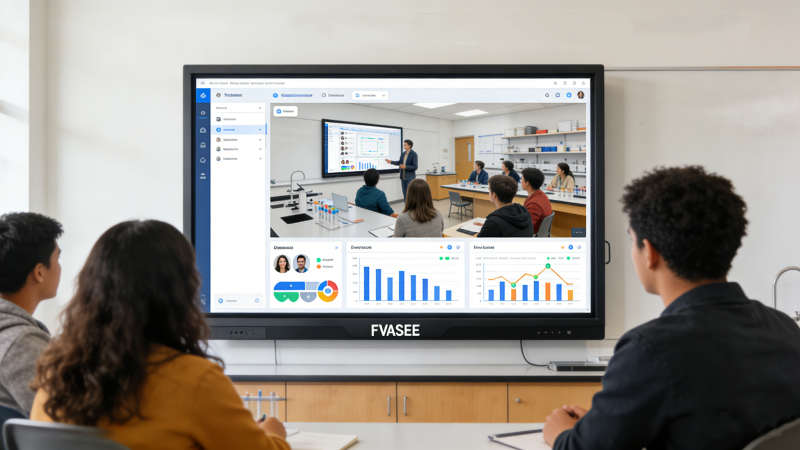
Why FVASEE Interactive Displays Are Ideal for Teacher Development Programs
FVASEE interactive display platforms provide features that support professional learning environments:
* Large 4K displays for clear visual instruction
* Multi-touch interaction for collaborative training activities
* Wireless screen sharing for participant presentations
* Built-in digital whiteboard tools for lesson planning
* Reliable hardware designed for daily educational use
Many FVASEE education panels also support up to 20 touch points and wireless sharing from multiple operating systems, enabling collaborative training sessions and seamless device integration.
Teacher training programs play a vital role in shaping the future of education. By integrating interactive display technologies into professional development environments, institutions can create more engaging, practical, and collaborative training experiences.
FVASEE’s interactive display solutions provide educators with the tools needed to explore digital teaching strategies, practice collaborative instruction, and develop the skills required for modern classrooms.