How to Choose an Interactive Whiteboard for Schools | FVASEE Buyer’s Guide
How to Choose an Interactive Whiteboard for Schools: A Complete Buyer’s Guide
Choosing the right interactive whiteboard for schools is a critical decision for educators and administrators aiming to build effective smart classrooms. With a wide range of interactive display solutions available on the market, understanding key features, performance standards, and long-term value is essential.
This guide explains what schools should consider when selecting an interactive whiteboard—and how FVASEE interactive whiteboards meet modern educational needs.
1. Understand Classroom Needs and Teaching Scenarios
Before selecting an interactive whiteboard, schools should evaluate how it will be used:
Primary or secondary education
Universities or training institutions
Standard classrooms, lecture halls, or hybrid learning environments
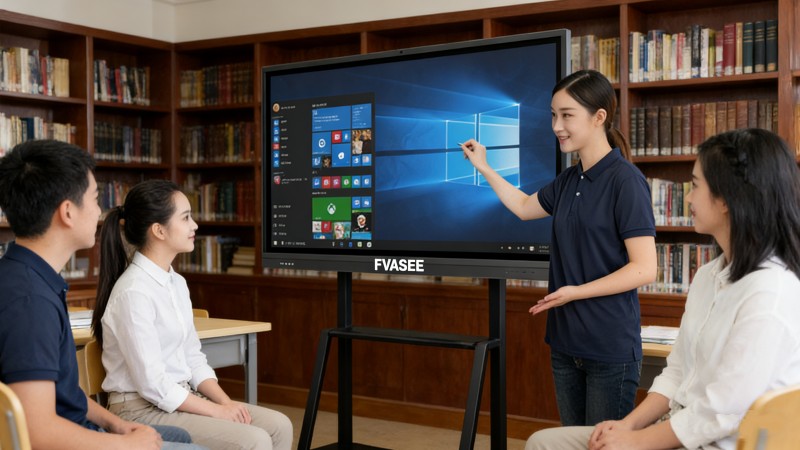
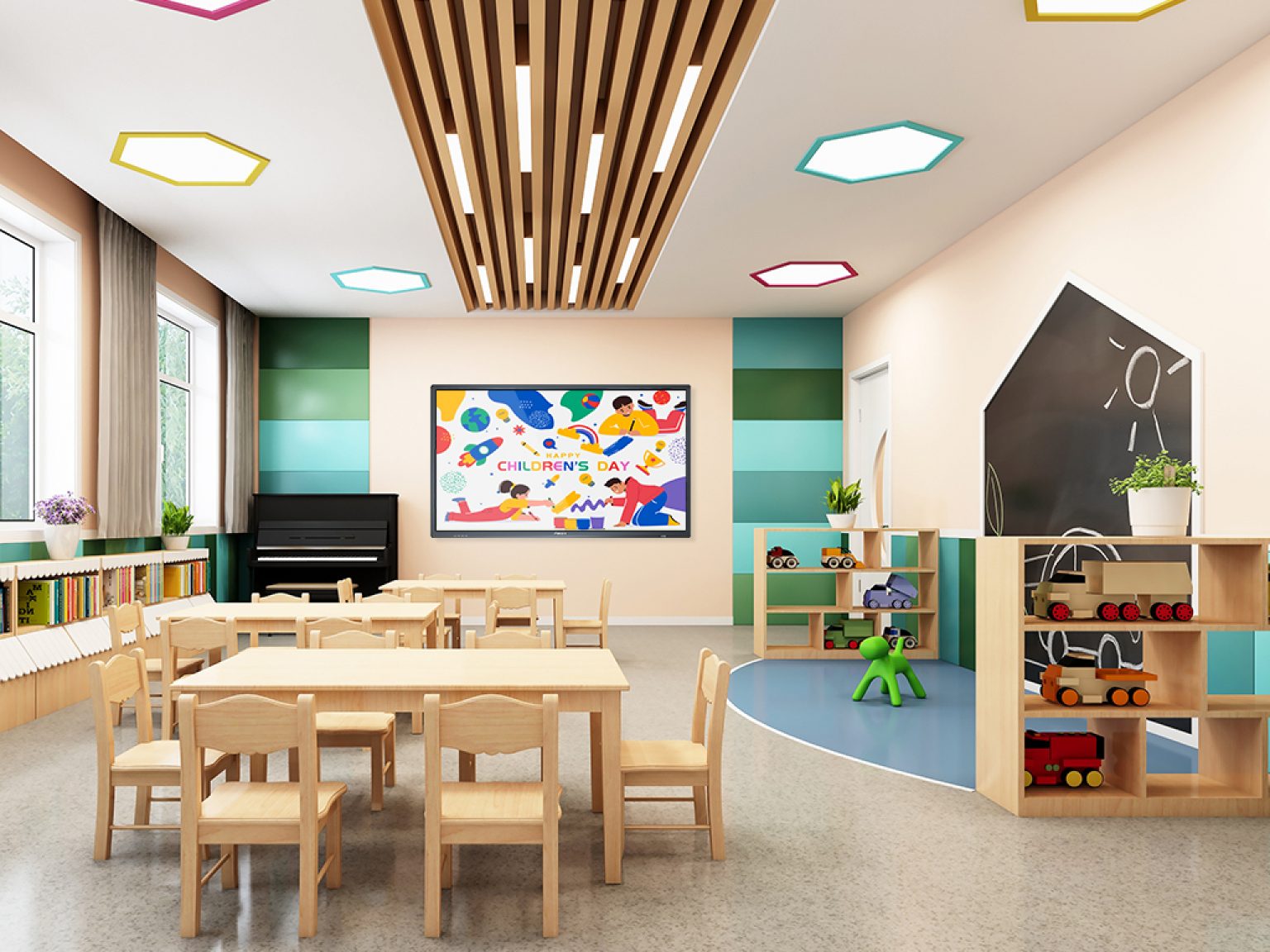
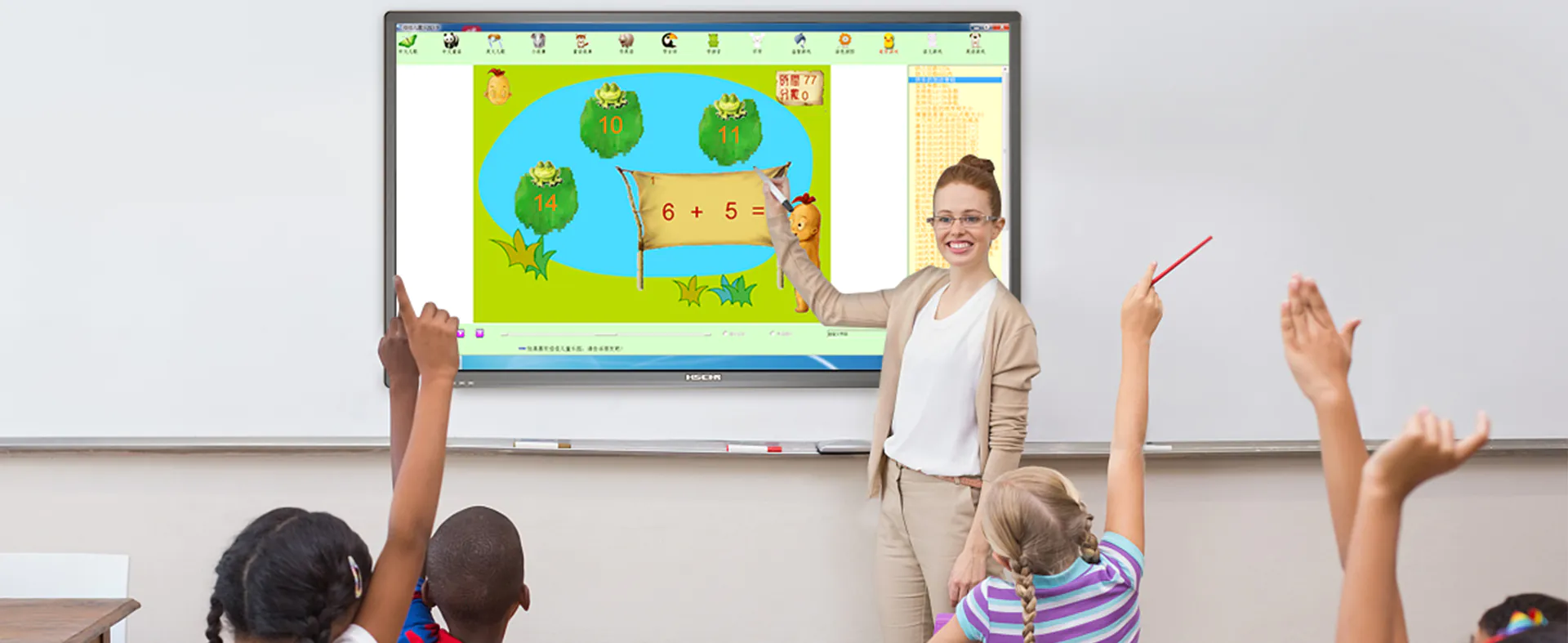
Different scenarios require different screen sizes, interaction capabilities, and software compatibility. FVASEE offers interactive whiteboards for classrooms of all sizes, supporting both traditional teaching and collaborative learning.
2. Choose the Right Screen Size and Display Quality
Display size directly impacts visibility and engagement. Common sizes for school interactive whiteboards range from 65” to 86”. Schools should also prioritize:
4K Ultra HD resolution for clear text and images
High brightness and anti-glare panels
Wide viewing angles for large classrooms
FVASEE interactive flat panel displays are designed to deliver sharp, comfortable viewing, even in bright classroom environments.
3. Prioritize Accurate and Responsive Touch Technology
Touch performance is one of the most important factors in interactive whiteboards. Schools should look for:
Multi-touch support (20–40 touch points)
Low latency for smooth writing
High accuracy for handwriting and drawing
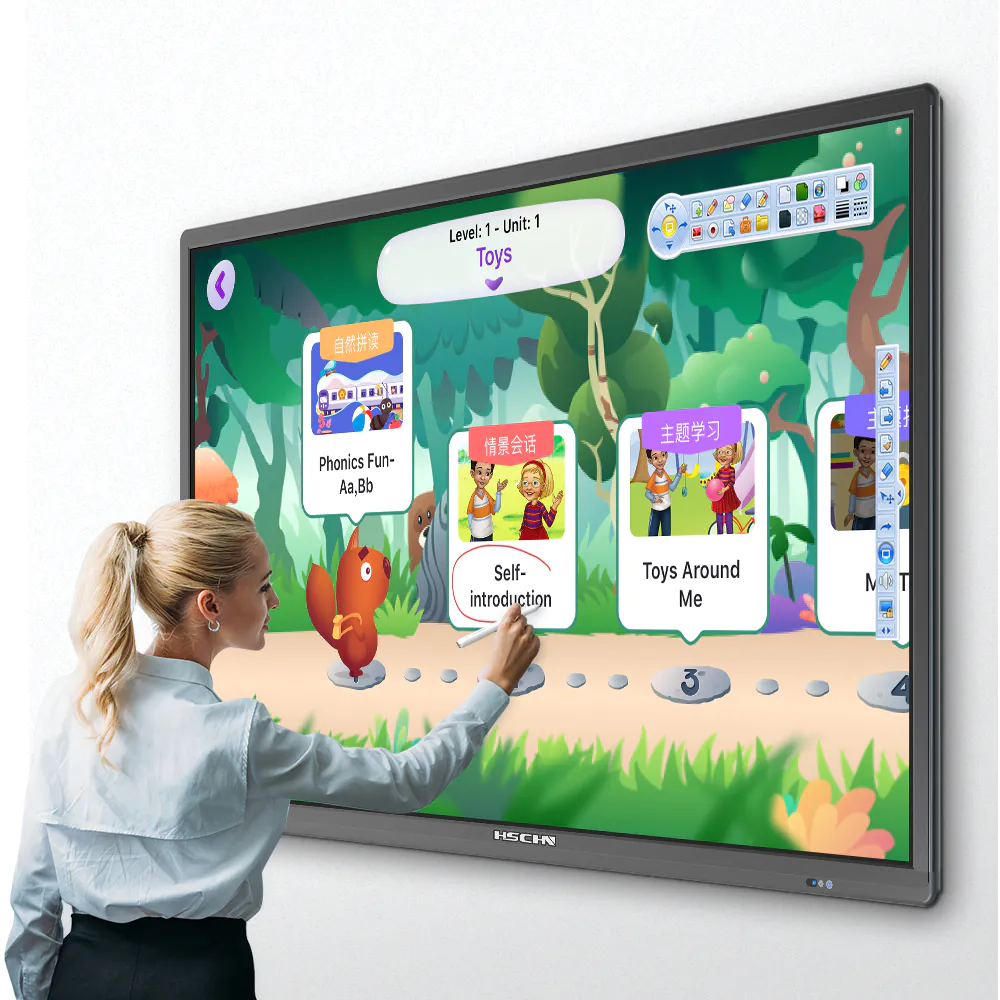
FVASEE interactive whiteboards feature advanced multi-touch technology, allowing multiple students to interact simultaneously—ideal for group activities and collaborative lessons.
4. Ensure Software Compatibility and Ease of Use
An interactive whiteboard should work seamlessly with existing teaching tools. Key considerations include:
Compatibility with Windows, Android, and other operating systems
Support for popular educational software
Built-in annotation, screen recording, and file-sharing tools
FVASEE interactive whiteboards are designed as open, flexible education display systems, reducing the learning curve for teachers and minimizing IT complexity.

5. Support Wireless Screen Sharing and Device Integration
Modern classrooms rely on multiple devices. Schools should ensure the interactive whiteboard supports:
Wireless screen sharing
HDMI and USB-C connections
Laptops, tablets, and mobile devices
FVASEE interactive whiteboards make it easy for teachers and students to present content from any device, enabling collaborative and technology-enabled classrooms.
6. Consider Durability and Long-Term Reliability
School equipment must withstand daily use. Important factors include:
Industrial-grade panels
Scratch-resistant and tempered glass
Long lifespan and stable performance
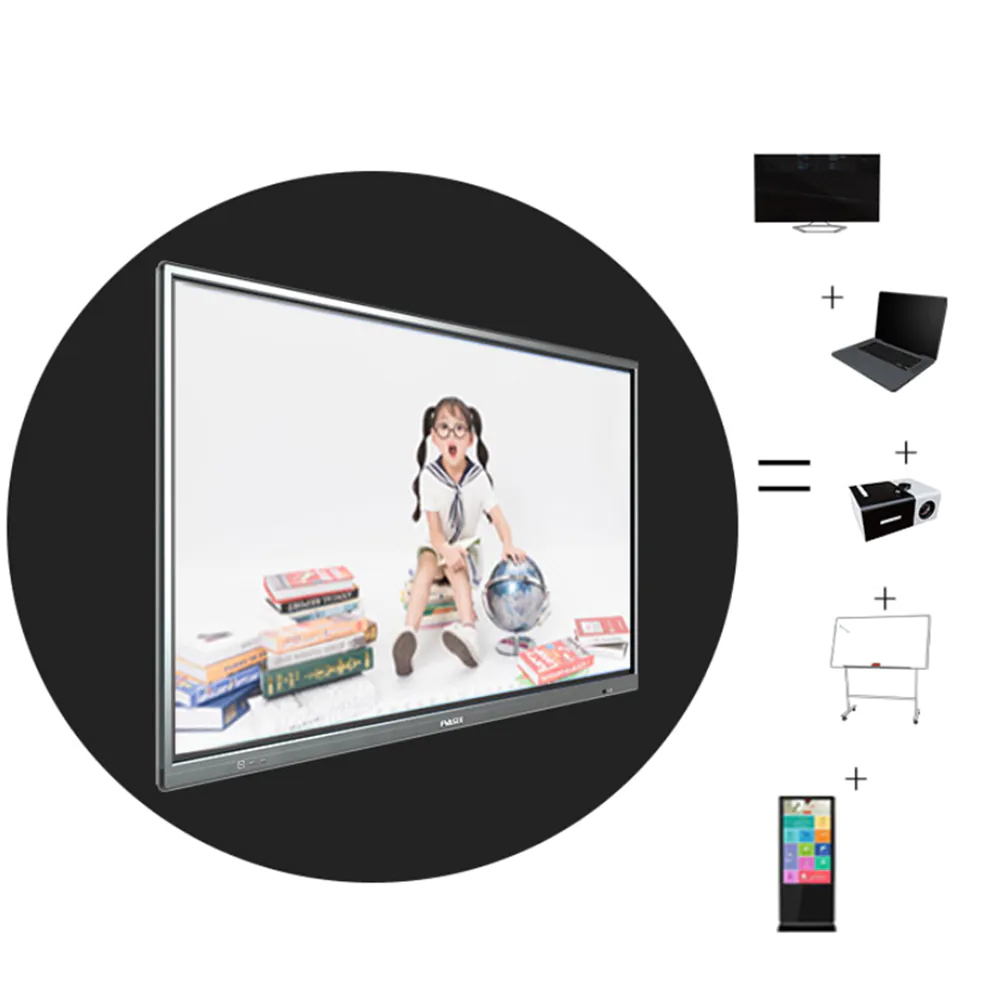
FVASEE designs interactive whiteboards specifically for long-term classroom use, ensuring reliability, safety, and low maintenance costs for schools.
7. Evaluate Support, Warranty, and After-Sales Service
A strong support system is essential for schools. When choosing an interactive whiteboard supplier, consider:
Warranty coverage
Technical support availability
Software updates and system upgrades
FVASEE provides professional support and long-term service to help schools deploy and maintain their interactive education display solutions with confidence.
Why Schools Choose FVASEE Interactive Whiteboards
FVASEE interactive whiteboards are designed to meet the real needs of modern education. Schools worldwide choose FVASEE for:
High-resolution interactive flat panel displays
Smooth, accurate multi-touch performance
Broad compatibility with teaching software and devices
Reliable hardware for daily classroom use
Solutions tailored for smart classrooms and hybrid learning
By combining advanced display technology with practical classroom features, FVASEE helps schools create engaging, future-ready learning environments.
Final Thoughts
Selecting the right interactive whiteboard is not just about hardware—it’s about supporting better teaching and learning outcomes. By focusing on display quality, touch accuracy, compatibility, and long-term reliability, schools can make informed decisions that benefit both teachers and students.
Explore FVASEE interactive whiteboards for schools and discover smarter classroom solutions today.