FVASEE Interactive Whiteboards for Education | Smart Classroom Display Solutions
8 Effective Ways to Use FVASEE Interactive Whiteboards in Modern Classrooms
Interactive whiteboards have become a core component of smart classroom solutions and digital education technology. As schools, universities, and training institutions continue to adopt interactive display systems, FVASEE delivers reliable, high-performance interactive whiteboards for education that enhance engagement, collaboration, and teaching efficiency.
Below are eight practical ways FVASEE interactive whiteboards support modern teaching and learning environments.

1. Increase Student Engagement with Interactive Learning
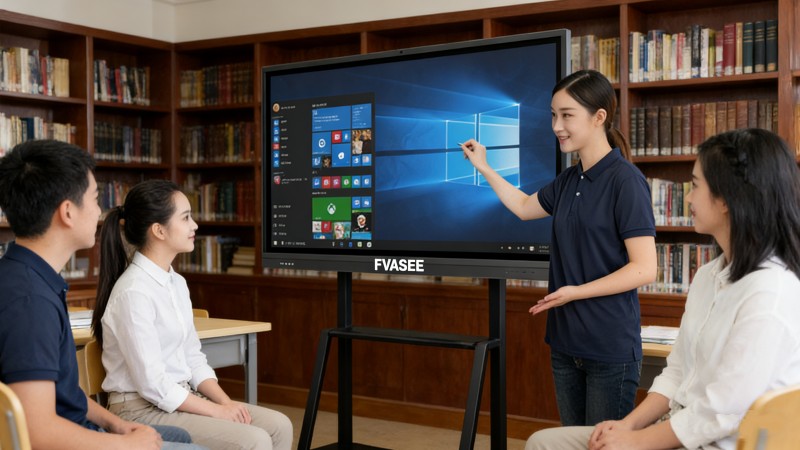
FVASEE interactive whiteboards support multi-touch interaction, allowing multiple students to write, draw, and interact with content simultaneously. This hands-on approach transforms traditional lectures into interactive learning experiences, improving participation and knowledge retention across subjects such as math, science, and language learning.
2. Centralize Digital Teaching Resources on One Interactive Display
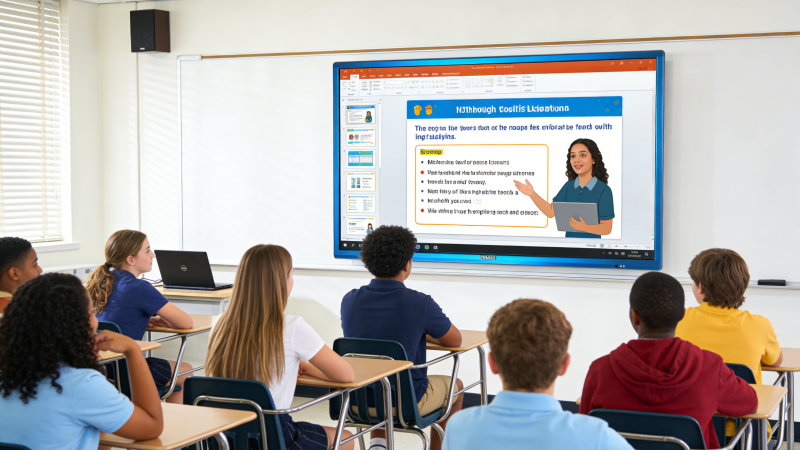
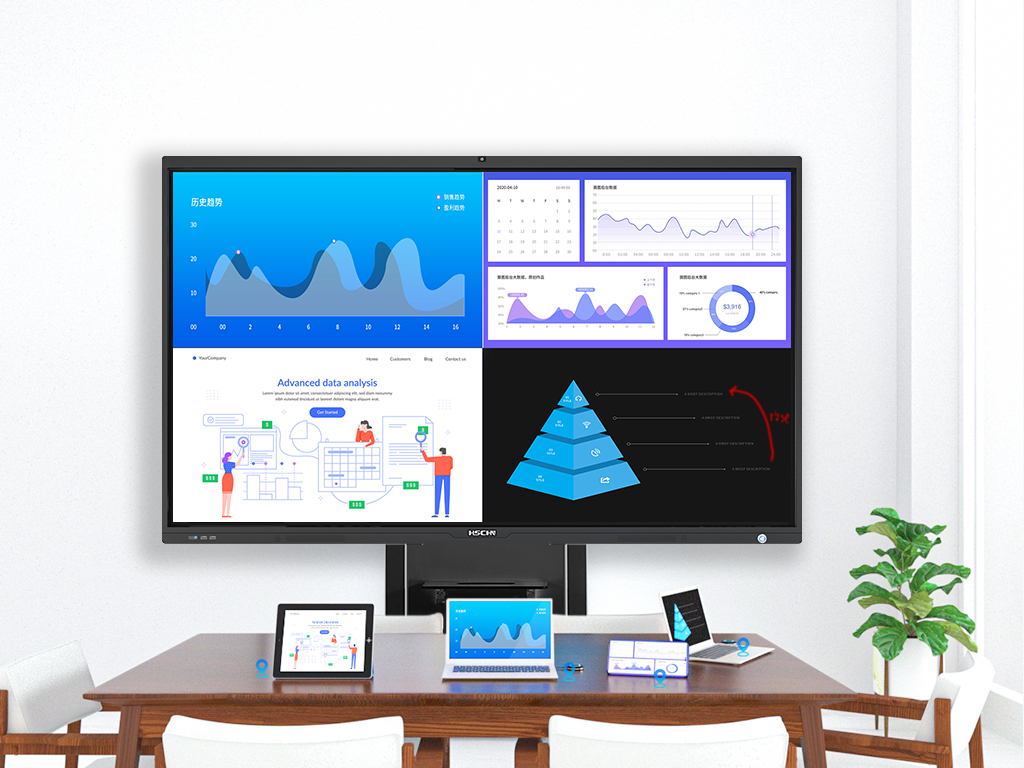
With split-screen and multi-window display functions, FVASEE interactive whiteboards allow teachers to present presentations, videos, documents, and web-based educational content on one large screen. This creates an efficient digital teaching platform that supports blended and multimedia-based instruction.
3. Improve Lesson Clarity with Real-Time Annotation Tools
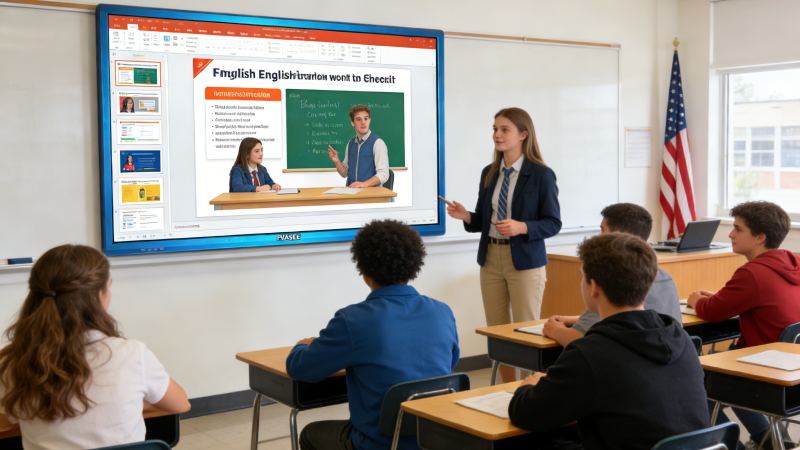
FVASEE interactive whiteboards enable teachers to annotate directly on any content, including PDFs, slides, images, and web pages. Key points can be highlighted, underlined, or explained visually, helping students better understand complex topics. Annotated content can be saved and shared digitally after class.
4. Enable Immersive Learning with Online Educational Content
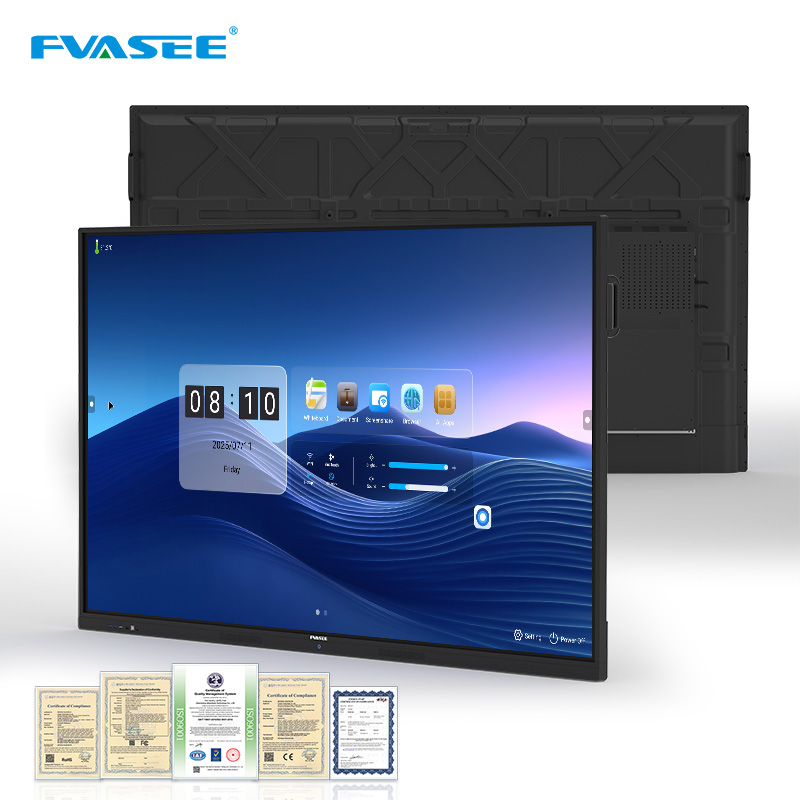
Using built-in browsers and app compatibility, FVASEE interactive whiteboards provide instant access to online educational resources, virtual labs, maps, and videos. Teachers can conduct virtual field trips and real-time demonstrations, creating immersive learning environments that connect theory with real-world applications.
5. Customize Teaching with Smart Templates and Layouts
FVASEE interactive whiteboards include pre-installed teaching templates such as mind maps, tables, timelines, and subject-based tools. Teachers can also divide the screen into multiple sections, supporting collaborative learning and group-based classroom activities.
6. Support Wireless Screen Sharing and Device Compatibility
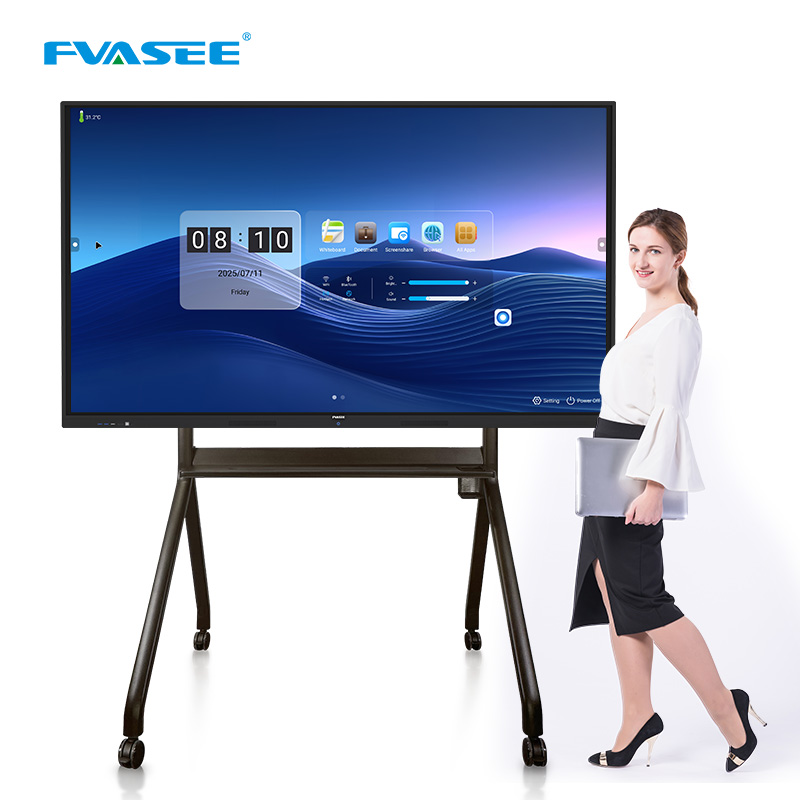
FVASEE interactive whiteboards are compatible with laptops, tablets, and mobile devices, supporting wireless screen sharing, HDMI, and USB-C connections. This flexibility allows teachers and students to easily present content from different devices, enhancing collaboration in technology-enabled classrooms.
7. Enhance Reading, Writing, and Literacy Instruction
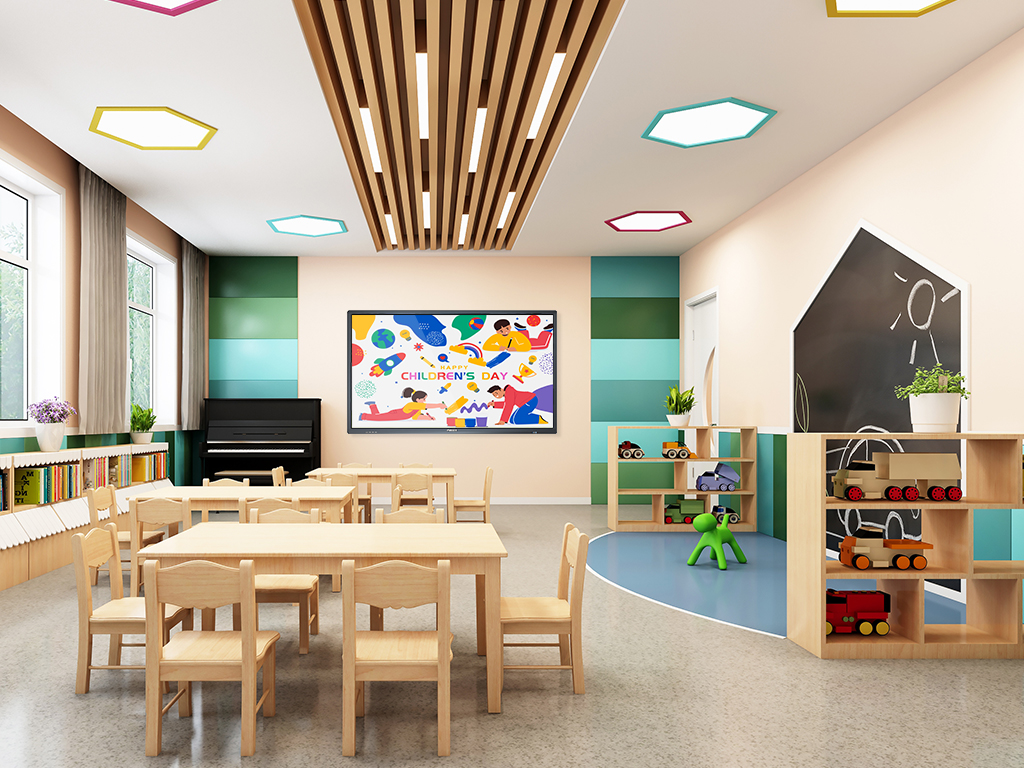
FVASEE interactive whiteboards are ideal for digital reading and literacy education. Teachers can display e-books, zoom in on text, annotate passages, and guide reading comprehension activities. This is especially effective for language classrooms and early education environments.
8. Support Hybrid, Remote, and Smart Classroom Teaching
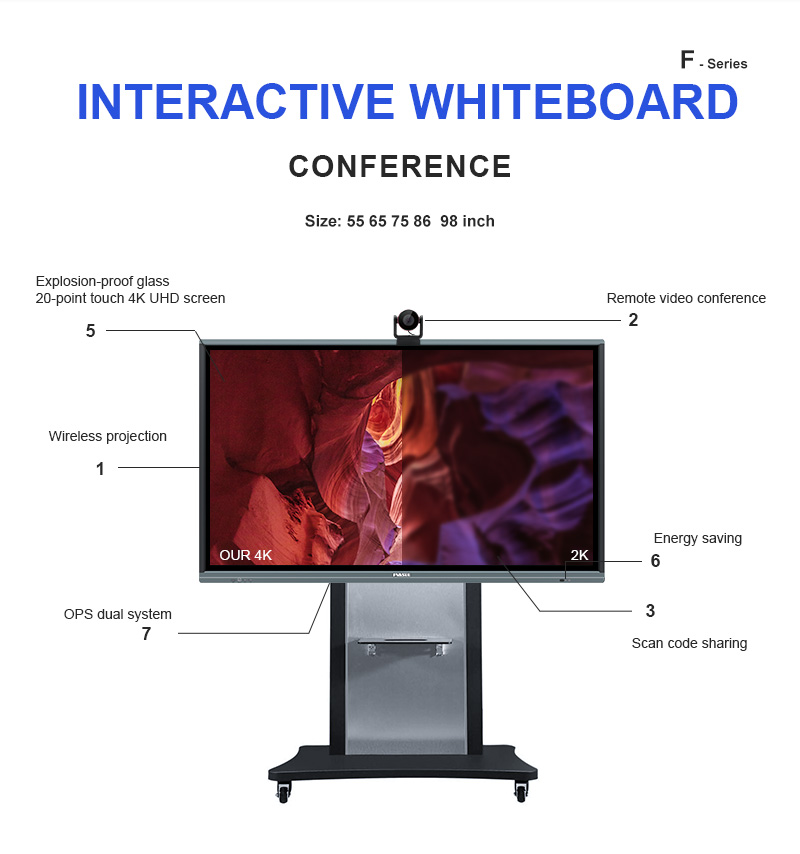
Designed for modern education models, FVASEE interactive whiteboards support hybrid learning and remote teaching. Teachers can conduct live lessons, record classes, share content digitally, and collaborate with students both in-class and online—ensuring continuity of learning across different scenarios.
Why FVASEE Interactive Whiteboards Are Trusted by Educators
FVASEE provides professional interactive whiteboard solutions for education, combining advanced display technology with intuitive software and stable performance. Our interactive displays are widely used in:
* Primary and secondary schools
* Universities and colleges
* Training centers and institutions
* Smart classrooms and digital campuses
Key advantages of FVASEE interactive whiteboards include:
* High-resolution interactive flat panel displays
* Accurate and responsive multi-touch technology
* Broad compatibility with educational software
* Long-term reliability for daily classroom use
By integrating interactive display technology with modern teaching methods, FVASEE helps educational institutions build efficient, engaging, and future-ready classrooms.
- Previous Article:Smart blackboard for classroom
- Next Article:How to Choose an Interactive Whiteboard for Schools | FVASEE Buyer’s Guide