Interactive Digital Exam Displays for Schools and Universities | FVASEE
Interactive Assessment and Exam Display Systems for Modern Education
Summary:
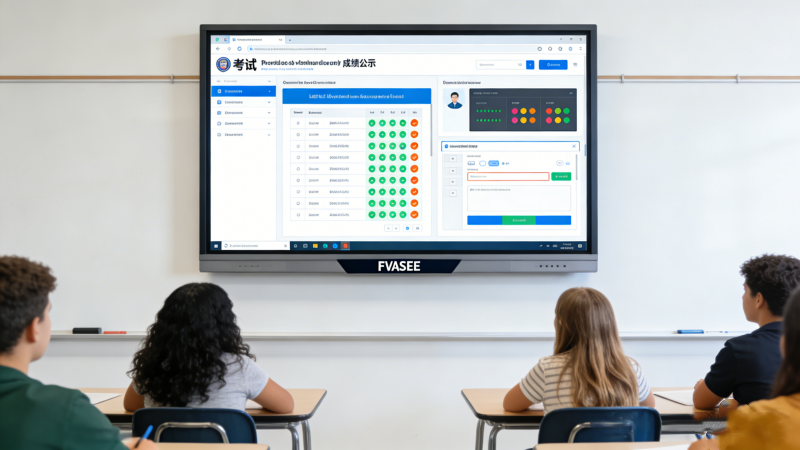
FVASEE interactive exam and assessment display solutions provide secure, real-time digital testing platforms for schools, universities, and training centers. These systems combine touch-enabled displays, exam management software, and instant feedback tools to streamline assessments, reduce administrative workload, and enhance student engagement.
Key Features:
Secure and anti-cheating digital exam environment
Real-time grading and feedback
Touchscreen interactivity for students
Multimedia question support (images, videos, diagrams)
Centralized exam content management
Primary Use Cases:
K–12 schools
Universities and higher education campuses
Professional training and certification centers
Remote or hybrid learning assessment environments
Modern Challenges in Educational Assessments
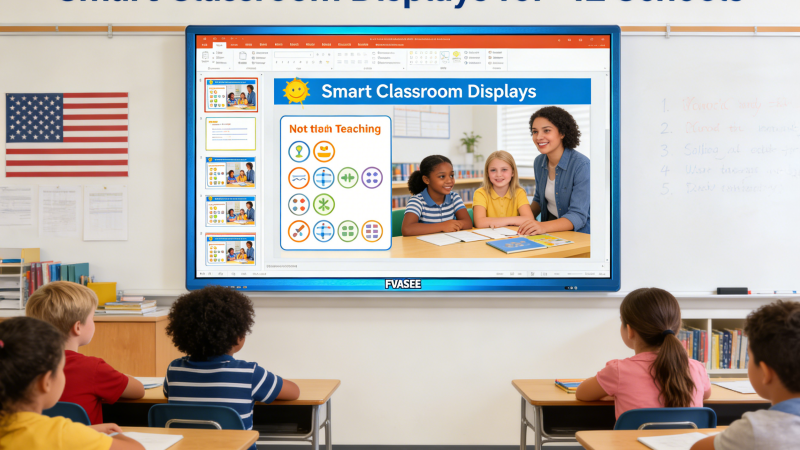
Traditional paper-based exams present several challenges for educators:
Manual grading delays – results often take days to process.
Limited feedback – students receive little immediate insight into their performance.
High administrative workload – preparing, distributing, and collecting exams is labor-intensive.
Difficulty supporting multimedia questions – diagrams, videos, or interactive tasks are hard to include.
To overcome these challenges, institutions are adopting interactive digital assessment systems that combine secure hardware and software.
How FVASEE Interactive Exam Displays Work
FVASEE provides integrated assessment displays designed for educational institutions of all sizes.
Secure Digital Exam Environment
The system supports secure logins, time limits, and anti-cheating measures, ensuring academic integrity.
Real-Time Assessment and Feedback
Teachers can automatically grade exams, track progress, and provide instant feedback to students.
Touchscreen Interactivity
Students answer questions directly on responsive touch-enabled displays, supporting multiple choice, written, and interactive question types.
Multimedia Support
Exams can include images, videos, diagrams, and interactive components, making assessments more engaging and versatile.
Centralized Management
Administrators can schedule exams, manage student groups, and distribute assessments across multiple classrooms or campuses.
Applications Across Educational Environments
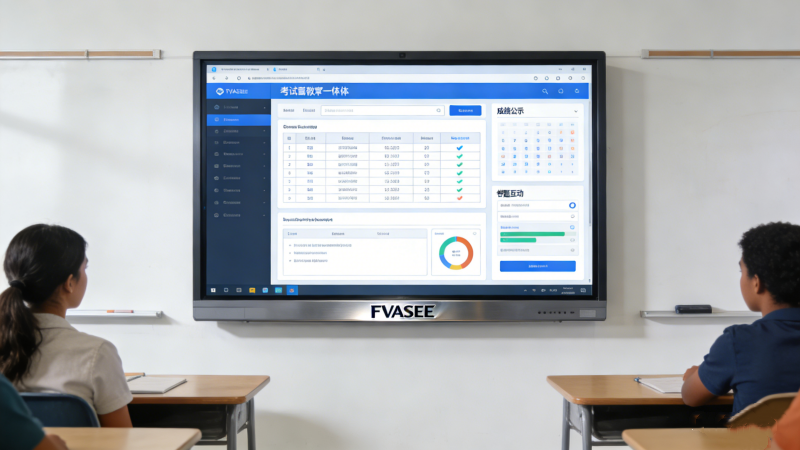
K–12 Schools – interactive quizzes and standardized assessments
Universities – midterms, final exams, and practical skill evaluations
Training Centers – professional certifications, skills tests, and continuous assessments
Hybrid Learning – remote or digital-first exam environments
Benefits for Educators and Students
Efficient grading – automated scoring saves time and reduces errors
Improved student engagement – interactive formats encourage focus and participation
Instant feedback – students receive timely insights into performance
Scalable deployment – supports multiple classrooms or campuses simultaneously
Enhanced exam security – anti-cheating and access control measures
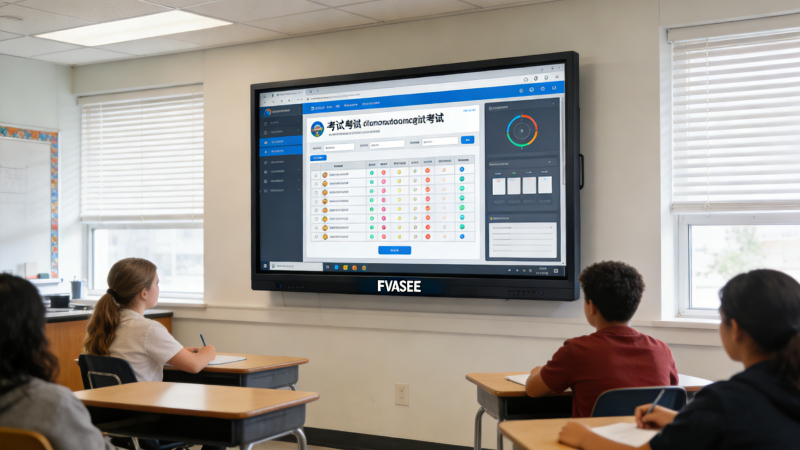
Recommended FVASEE Products
FAQ SEO Module
Q1: What types of exams can FVASEE interactive displays support?
A1: They support multiple-choice, short-answer, essay, diagram-based, and multimedia interactive questions.
Q2: Can these systems provide instant feedback to students?
A2: Yes, real-time grading and reporting give students immediate insights into their performance.
Q3: Are FVASEE exam displays secure for high-stakes assessments?
A3: Yes, they feature secure logins, timed assessments, and anti-cheating measures.
Q4: Can these displays be used for remote or hybrid learning environments?
A4: Absolutely. Administrators can deploy exams across multiple classrooms or remote learners simultaneously.