Fvasee Best Portable Smart TVs for Seniors: Easy & Comfortable Viewing Guide
Portable Smart TVs for Seniors--Easy, Safe, and Comfortable Viewing for Everyday Life
Are portable smart TVs suitable for seniors?
Yes. Portable smart TVs can be a great choice for seniors when they are designed with simplicity, clarity, and accessibility in mind.
Key benefits include:
easy-to-use interface with large icons
adjustable screen size and viewing angles
mobility for comfortable positioning
support for voice control and accessibility features
For older adults, the most important factors are ease of use, clear display, and simple controls, rather than advanced features.
What is the best TV for seniors?
The best TV for seniors is one that offers a simple interface, large clear display, easy controls, and accessibility features like voice control and subtitles. Portable smart TVs add flexibility by allowing better positioning and easier viewing.
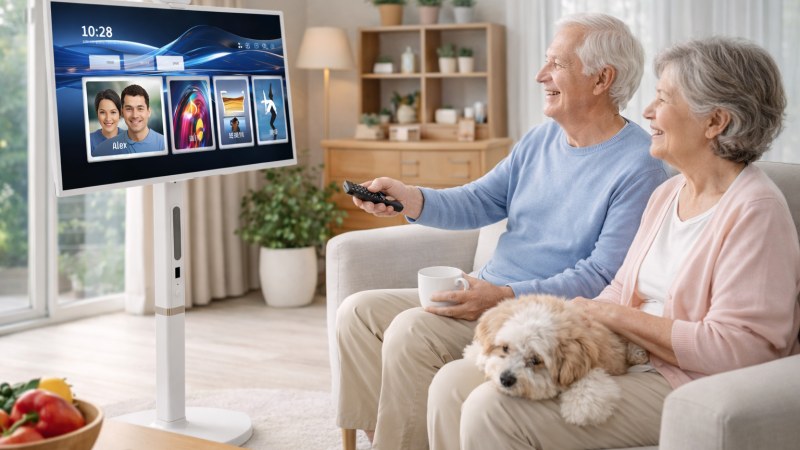
Why Traditional TVs Can Be Difficult for Seniors
Modern TVs are powerful—but often too complex.
Common challenges include:
* complicated menus and navigation
* small buttons on remotes
* fixed viewing positions
* difficult setup and installation
Many seniors prefer devices that are simple, predictable, and easy to control.
Why Portable Smart TVs Are a Better Choice
Simple and Easy to Use
Ease of use is the most important factor.
Senior-friendly smart TVs should offer:
* clear and simple interface
* large icons and readable text
* minimal steps to access content
A clean interface reduces confusion and frustration.
Comfortable Viewing from Any Position
Portable smart TVs can be adjusted to suit individual needs.
They allow:
* height adjustment for eye-level viewing
* flexible angles to reduce neck strain
* repositioning closer to the user
This improves comfort, especially for long viewing sessions.
Larger, Clearer Screen for Better Visibility
Visual clarity is critical.
A good TV for seniors should provide:
* large screen size
* high resolution (Full HD or 4K)
* strong contrast and brightness
Clear displays help reduce eye strain and make content easier to read.
Mobility for Flexible Placement
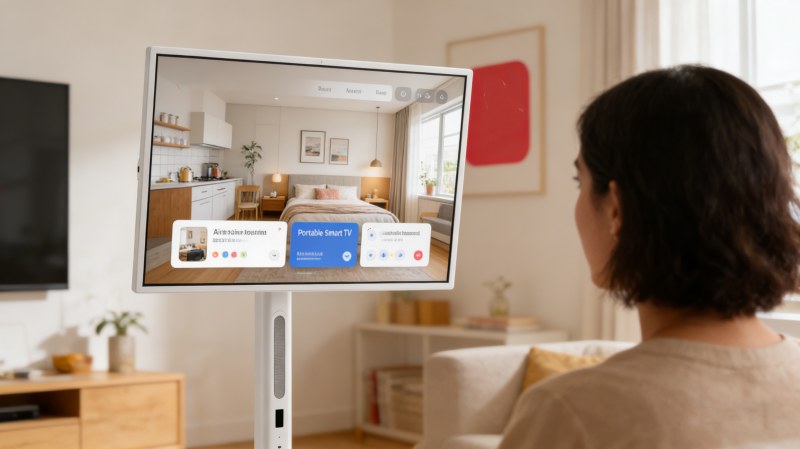
Portable smart TVs can be moved easily.
This allows:
* watching from bed, sofa, or chair
* placing the screen at a safe distance
* sharing viewing with family
Mobility adds convenience without requiring physical effort.
Touchscreen and Voice Control
Many modern devices support:
* touchscreen interaction
* voice commands
* simplified navigation
Voice control is especially helpful for seniors with limited mobility or vision challenges.
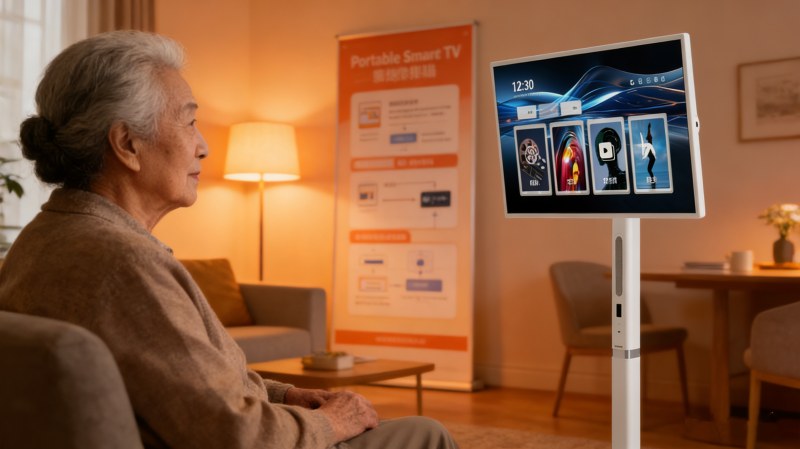
Safety and Accessibility Features That Matter
Easy-to-Read Interface
Important features include:
* large text and icons
* high-contrast display modes
* simplified home screen
These improve usability for seniors with vision difficulties.
Clear Audio and Subtitles
Good audio is just as important as visuals.
Look for:
* enhanced dialogue clarity
* adjustable volume levels
* closed caption support
This ensures better understanding of content.
Simple Remote or Touch Control
Complicated remotes can be frustrating.
Better options include:
* large-button remotes
* touchscreen control
* voice-enabled navigation
Minimal Setup and Maintenance
Devices should be:
* easy to set up
* simple to update
* low maintenance
Reducing complexity improves independence and confidence.
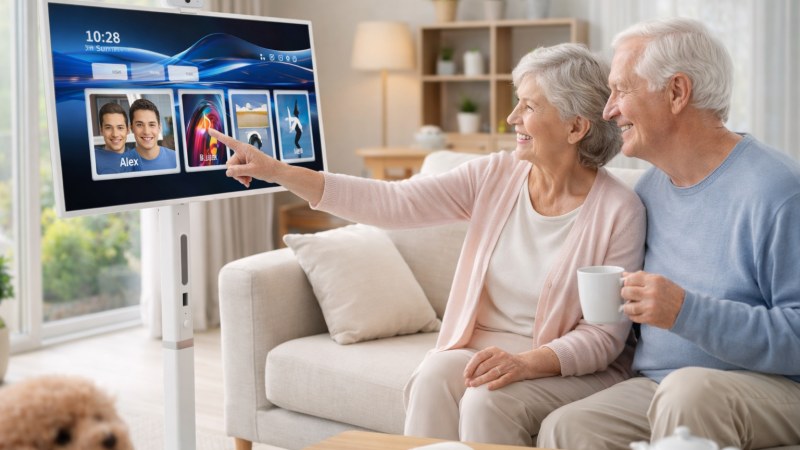
Real-Life Use Scenarios
Daily Entertainment
* watch TV shows and news
* stream movies easily
* enjoy music or videos
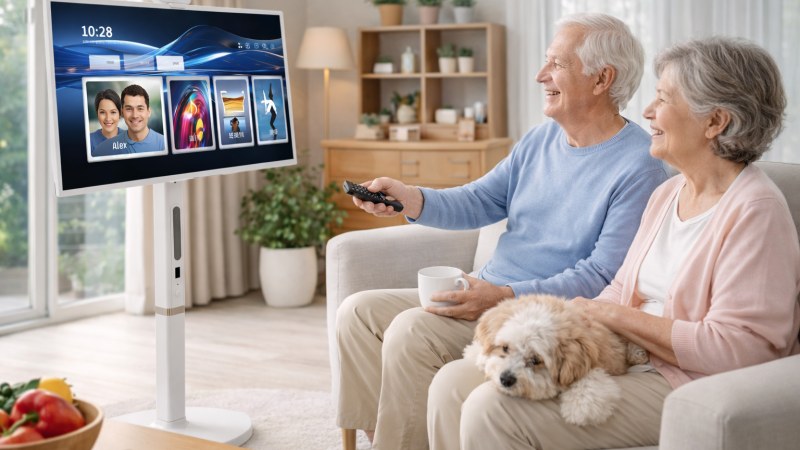
Family Connection
* video calls with family (if supported)
* shared viewing experiences
* easier interaction with digital content
Comfortable Bedroom Viewing
* adjust screen height and angle
* watch comfortably from bed
* reduce physical strain
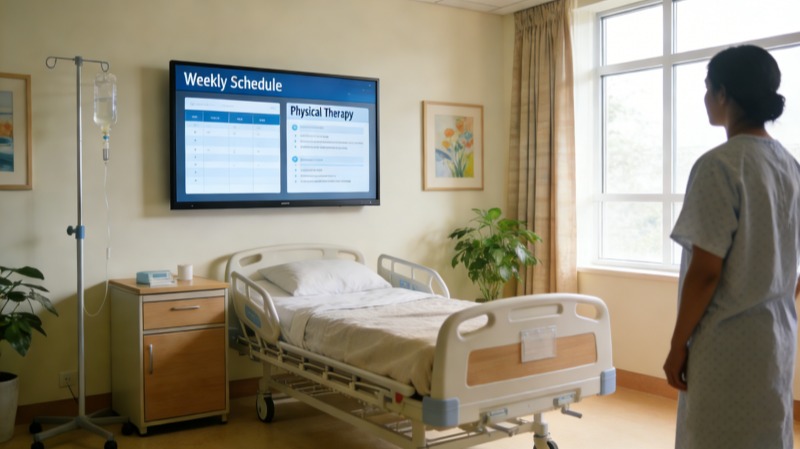
Assisted Living Environments
Portable smart TVs can support:
* easier caregiver setup
* flexible room layouts
* safer viewing positions
Portable Smart TV vs Traditional TV for Seniors
| Feature | Traditional TV | Portable Smart TV |
|---|---|---|
| Ease of use | Moderate | High |
| Mobility | Fixed | Flexible |
| Viewing comfort | Limited | Adjustable |
| Setup | Complex | Simple |
| Accessibility | Basic | Enhanced |
Portable smart TVs provide a more adaptable and senior-friendly experience.
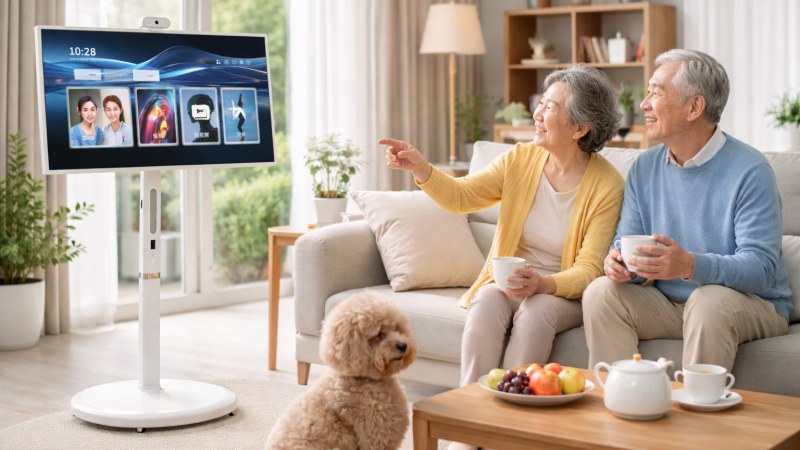
FVASEE Portable Smart TV for Seniors
FVASEE portable smart displays are designed for ease, comfort, and flexibility.
Key Features
* Full HD touchscreen display
* Android smart system with simple interface
* built-in rechargeable battery
* rolling stand for easy movement
* adjustable height and rotation
* wireless screen casting
These features help create a comfortable and accessible viewing experience for older users.
FAQ
What size TV is best for seniors?
Typically, 32–55 inches is ideal, depending on viewing distance and room size.
Are smart TVs difficult for seniors?
They can be, but models with simplified interfaces and voice control are much easier to use.
What features should a TV for seniors have?
Key features include simple navigation, large text, clear audio, and accessibility options.
Is a portable TV better for elderly users?
Yes. It offers better positioning, flexibility, and ease of use compared to fixed TVs.
Are portable smart TVs easy for seniors to use?
Yes, especially models with simple interfaces and touchscreen or voice controls.
Can seniors use streaming apps easily?
Yes, if the interface is simplified and apps are easy to access.
Is mobility really important?
Yes. Being able to adjust position improves comfort and reduces strain.
Do seniors need advanced features?
No. Simplicity and clarity are more important than advanced functions.